Generador de fuentes: crea estilos de texto únicos fácilmente en 2026
Resumen rápido
- Un generador de fuentes convierte texto común en caracteres Unicode decorativos que puedes copiar y pegar en cualquier lugar: biografías de Instagram, apodos de Discord y subtítulos de TikTok, sin instalar nada.
- Un generador de fuentes convierte el texto común en caracteres Unicode decorativos que puedes copiar y pegar en cualquier lugar : biografías de Instagram, apodos de Discord, subtítulos de TikTok, sin necesidad.
- Cómo funciona un generador de fuentes: Unicode, no archivos de fuente
Proceso editorial
Revisado por SectoJoy y publicado el 21 de junio de 2026. Actualizamos este artículo cuando cambian los detalles del producto, los ejemplos o la guía de la herramienta. Última actualización: 21 de junio de 2026.
SectoJoy
Soy un desarrollador independiente que crea aplicaciones iOS y web, enfocado en productos SaaS prácticos. Me especializo en SEO con IA, explorando constantemente cómo las tecnologías inteligentes pueden impulsar el crecimiento sostenible y la eficiencia.
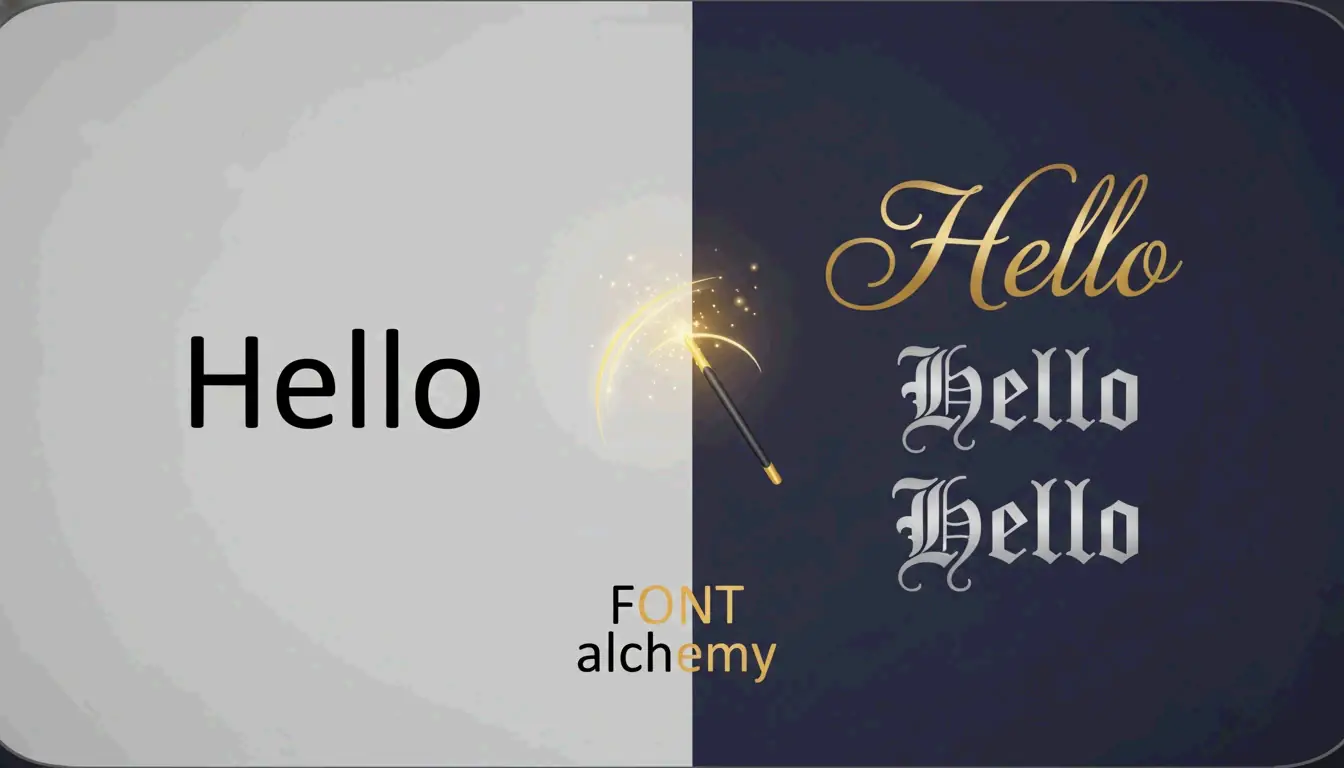
Un generador de fuentes convierte el texto común en caracteres Unicode decorativos que puedes copiar y pegar en cualquier lugar: biografías de Instagram, apodos de Discord, subtítulos de TikTok, sin necesidad de instalar ningún software. El truco se apoya en la biblioteca de más de 143,000 caracteres del estándar Unicode, que incluye alfabetos estilizados que al ojo humano parecen fuentes personalizadas, pero que para tu dispositivo son símbolos distintos.
Esta guía explica cómo funcionan estos generadores, qué estilos tienen mayor impacto en las redes sociales y cómo mantener la accesibilidad sin sacrificar el atractivo visual.
Cómo funciona un generador de fuentes: Unicode, no archivos de fuente
Un generador de fuentes no es un instalador de tipografías. No sube archivos .ttf ni .otf a tu dispositivo. En su lugar, asocia cada letra que escribes a un carácter visualmente similar del estándar Unicode, un sistema global de codificación que asigna un número único a cada carácter de cada sistema de escritura.
El habilitador clave es un bloque de Unicode llamado Mathematical Alphanumeric Symbols. Este bloque contiene versiones bold, cursiva, script, fraktur (gótica) y monospace del alfabeto latino. Como tu teléfono o navegador trata estos símbolos como “símbolos” y no como “fuentes”, se renderizan correctamente en iPhones, Androids y navegadores de escritorio sin necesidad de software especial.
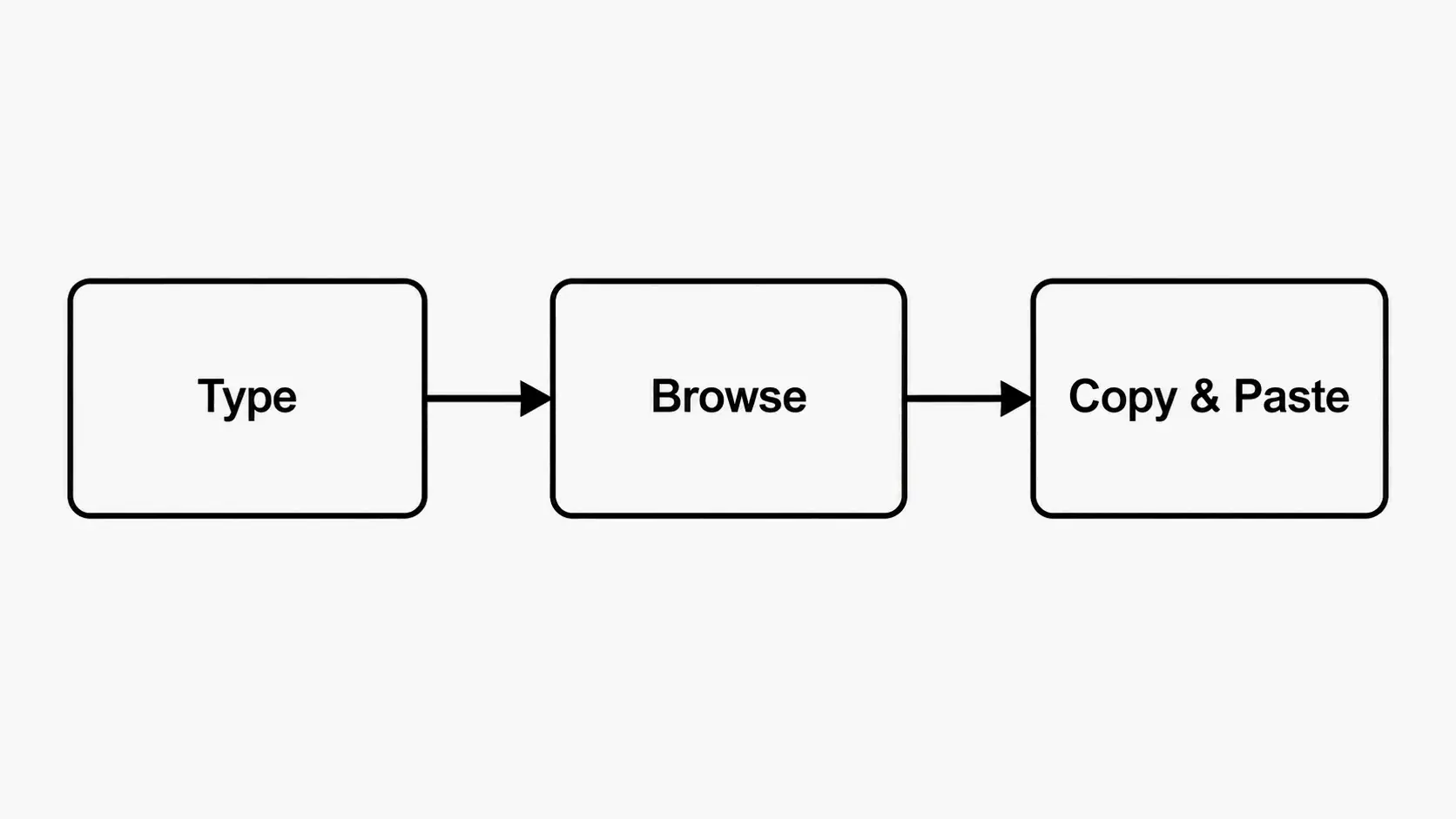
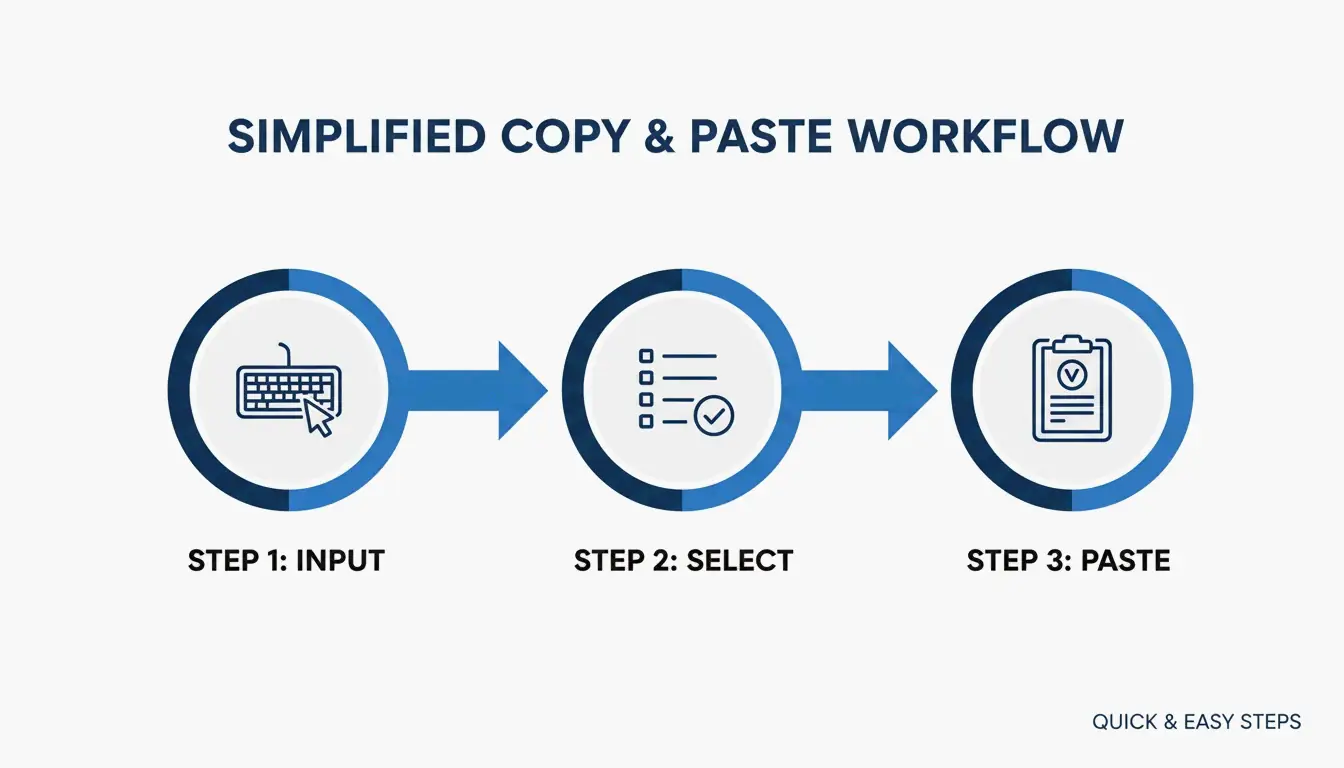
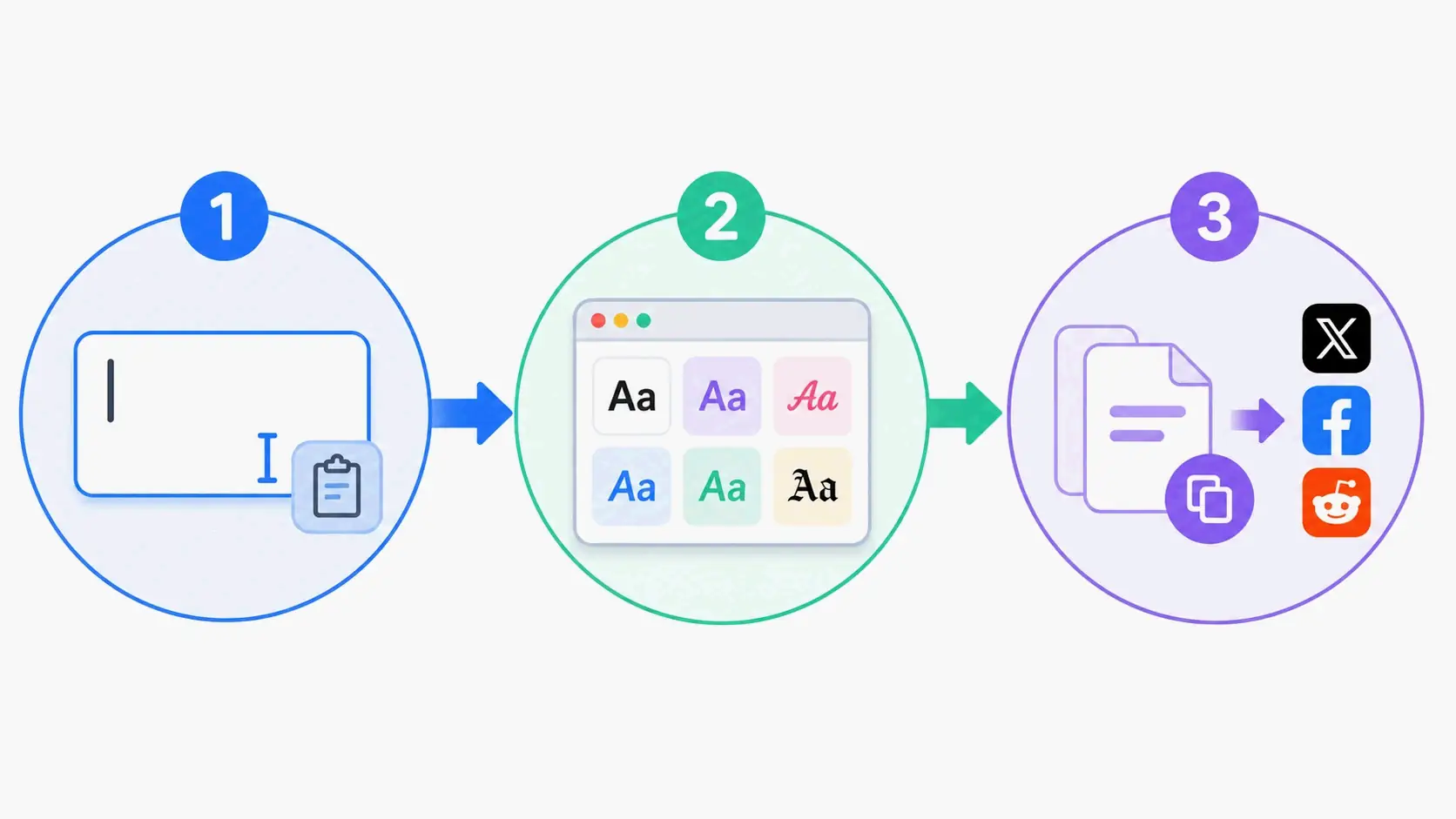
El flujo de trabajo en 3 pasos
- Escribe tu texto en el cuadro de entrada del generador.
- Explora la lista de vista previa en vivo. La mayoría de las herramientas, como Online Fonts Generator, ofrecen más de 200+ estilos: desde cursivas elegantes hasta letras burbuja y small caps.
- Copia y pega el resultado directamente en Instagram, X (Twitter), Discord o donde quieras.
¿Qué estilos funcionan mejor? Guía por plataforma
Cada plataforma requiere estrategias visuales distintas. Esto es lo que suele funcionar mejor en cada una.
Biografías de Instagram: combinación de bold y cursiva
Las biografías de Instagram más efectivas combinan, como máximo, dos estilos:
| Elemento | Estilo recomendado | Ejemplo |
|---|---|---|
| Nombre / Titular | Sans-serif bold | 𝗝𝗘𝗦𝗦𝗜𝗖𝗔 |
| Lema o cita | Cursiva / Script | 𝒥𝓇𝒾𝓋𝓎 𝒜𝓇𝓉𝒾𝓈𝓉 |
| Contacto / Enlaces | Texto plano | [email protected] |
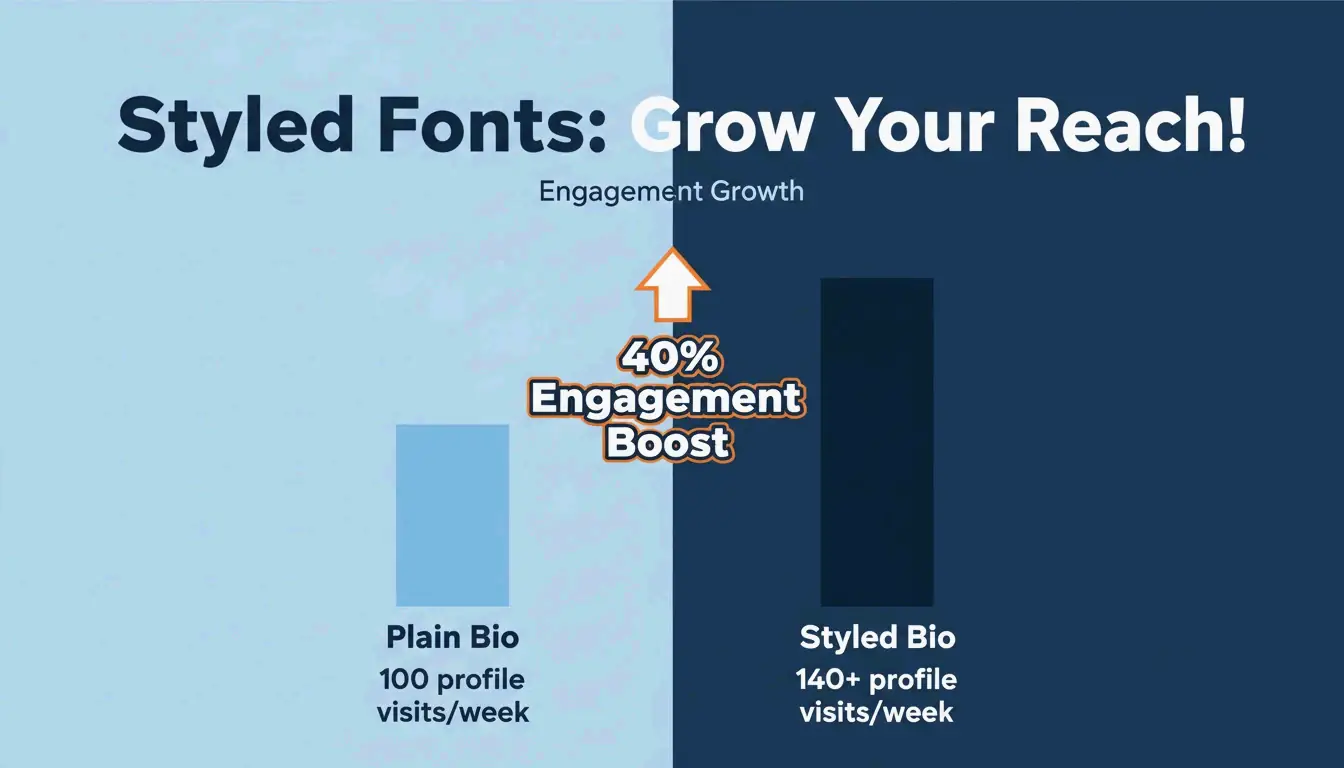
Según Fonts Generator Pro, un usuario que actualizó su biografía de Instagram con fuentes estilizadas vio un aumento del 40% en visitas al perfil en dos semanas. Los subtítulos con encabezados estilizados superaron al texto plano con un crecimiento de comentarios del 130–150%, actuando como una “interrupción de patrón” visual que detiene el scroll.
Discord y videojuegos: gótico, glitch y construcción de identidad
En las comunidades gaming —PUBG Mobile, Free Fire, Roblox— tu nombre de usuario es tu marca. Dos estilos dominan:
- Gótico / Inglés antiguo (Fraktur): caracteres de estilo medieval que aportan un tono oscuro y dramático. Ideal para RPGs y servidores de Discord de temática gótica. Ejemplo: 𝔉𝔯𝔬𝔰𝔱𝔤𝔦𝔫𝔤.
- Texto Glitch / Zalgo: usa “caracteres combinantes” de Unicode para apilar marcas diacríticas encima y debajo de las letras, creando una estética corrupta de película de terror.
Comprobación de seguridad: algunos juegos restringen el exceso de símbolos para evitar “suplantación de nombres” o fallos en la interfaz. Verifica siempre que tu nombre estilizado se muestre correctamente en la sala del juego antes de confirmarlo.
Accesibilidad: la brecha de los lectores de pantalla
El texto Unicode estilizado puede crear un problema de accesibilidad serio. Los lectores de pantalla para personas con discapacidad visual a menudo leen el nombre técnico Unicode de cada símbolo en lugar de la letra a la que se parece. Por ejemplo:
- El usuario ve: 𝗔
- El lector de pantalla dice: “Mathematical Bold Capital A”
Esto hace que los tramos largos de texto estilizado sean ilegibles para quienes usan tecnología de asistencia.
La lista de fuentes en “Modo seguro”
Siguiendo las directrices de accesibilidad de W3C y WebAIM, estos estilos equilibran el atractivo visual con la legibilidad:
| Estilo seguro | Ejemplo | Comportamiento del lector de pantalla |
|---|---|---|
| Small Caps | ꜱᴍᴀʟʟ ᴄᴀᴘꜱ | Generalmente reconocido |
| Bold Serif | 𝐁𝐨𝐥𝐝 | Añade énfasis, distorsión mínima |
| Monospace | 𝙼𝚘𝚗𝚘𝚜𝚙𝚊𝚌𝚎 | Limpio, ampliamente compatible |
Regla práctica: usa el texto decorativo como elemento destacado: nombres, encabezados o lemas breves. Nunca estilices información esencial como fechas, direcciones o instrucciones. Mantén los datos de contacto y los enlaces en texto plano.
Problemas comunes de renderizado y cómo evitarlos
El problema del “Tofu”
Si un carácter estilizado aparece como un rectángulo vacío (□) o un signo de interrogación, significa que el sistema operativo o la app del destinatario no admite ese bloque Unicode. Esto se llama “tofu”. Las versiones antiguas de Android y los navegadores desactualizados son los más propensos.
Solución: quédate con estilos ampliamente compatibles: Bold, Small Caps o Monospace. Evita bloques Unicode exóticos para contenido que deba mostrarse de forma fiable en todos los dispositivos.
Derechos de autor y seguridad
Los estilos generados no son archivos de fuente: son símbolos Unicode de un estándar global y abierto. No se requiere ninguna licencia para uso personal o comercial en plataformas de redes sociales.
Conclusión
Un generador de fuentes es una forma rápida y gratuita de crear estilos de texto únicos usando Unicode, sin necesidad de habilidades de diseño ni instalaciones de software. El enfoque más eficaz es usar 2–3 estilos complementarios de forma estratégica: bold para encabezados, cursiva para acentos y texto plano para utilidad. Para gaming, los estilos gótico y glitch construyen identidades memorables. Y para accesibilidad, cíñete a la lista del “Modo seguro” (Small Caps, Bold Serif, Monospace) y nunca estilices información esencial.
Empieza con un estilo sutil bold o small caps para tu biografía, revisa cómo se ve en distintos dispositivos y escala desde ahí.
Preguntas frecuentes
¿Por qué algunas fuentes elegantes aparecen como cuadros o signos de interrogación en mi dispositivo?
Esto se llama renderizado “tofu”. Ocurre cuando el sistema operativo o la app del destinatario no admite el bloque Unicode específico utilizado. Las versiones antiguas de Android y los navegadores desactualizados son los más afectados. Cambia a un estilo más común como Bold o Small Caps para una visualización fiable.
¿Las fuentes generadas son seguras y están libres de derechos de autor?
Sí. No son archivos de fuente reales: son símbolos Unicode de un conjunto de caracteres global y estandarizado. No se necesita instalación ni licencia para uso personal o comercial en redes sociales.
¿Las fuentes estilizadas afectan la accesibilidad para lectores de pantalla?
Sí, de forma significativa. Los lectores de pantalla leen la descripción técnica Unicode (por ejemplo, “Mathematical Bold Capital A”) en lugar de la letra “A”. Usa fuentes estilizadas solo como acentos decorativos, nunca para información esencial como datos de contacto o anuncios importantes.
Preguntas frecuentes
¿Por qué algunas fuentes elegantes aparecen como cuadros o signos de interrogación en mi dispositivo?
Esto se llama renderizado “tofu”. Ocurre cuando el sistema operativo o la app del destinatario no admite el bloque Unicode específico utilizado. Las versiones antiguas de Android y los navegadores desactualizados son los más afectados. Cambia a un estilo más común como Bold o Small Caps para una visualización fiable.
¿Las fuentes generadas son seguras y están libres de derechos de autor?
Sí. No son archivos de fuente reales: son símbolos Unicode de un conjunto de caracteres global y estandarizado. No se necesita instalación ni licencia para uso personal o comercial en redes sociales.
¿Las fuentes estilizadas afectan la accesibilidad para lectores de pantalla?
Sí, de forma significativa. Los lectores de pantalla leen la descripción técnica Unicode (por ejemplo, “Mathematical Bold Capital A”) en lugar de la letra “A”. Usa fuentes estilizadas solo como acentos decorativos, nunca para información esencial como datos de contacto o anuncios importantes.
Artículos Relacionados
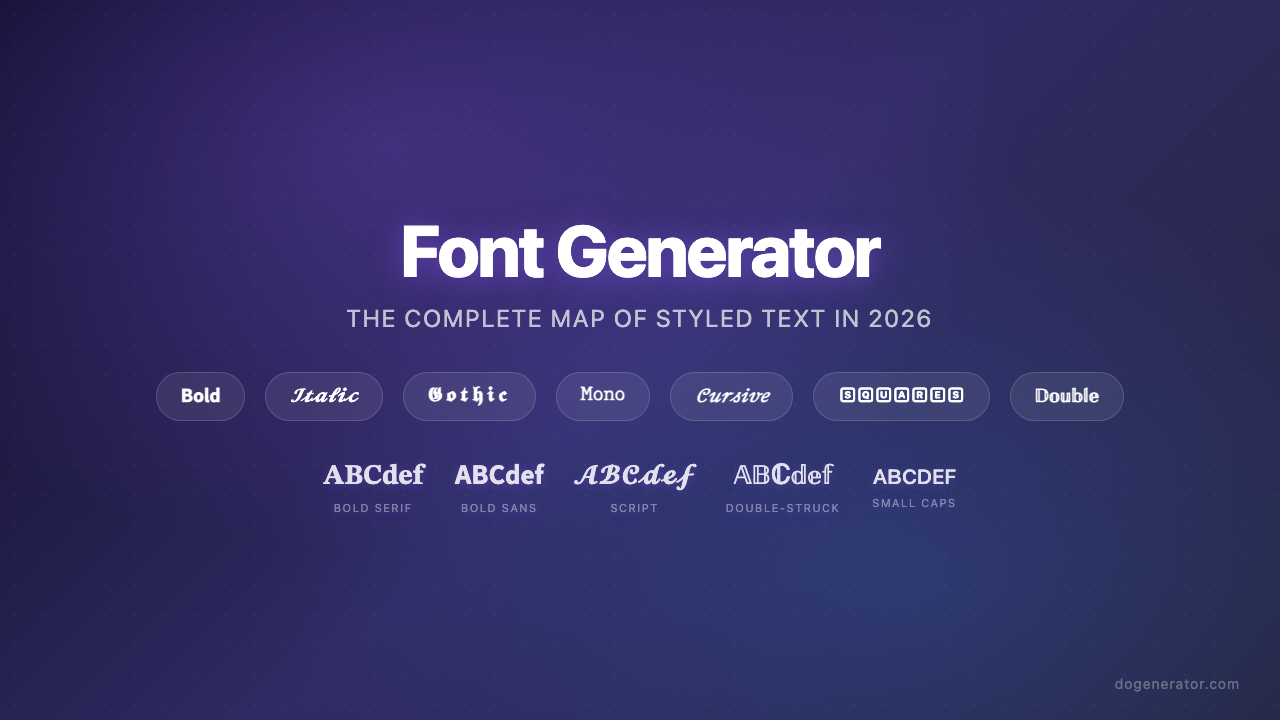
Generador de Fuentes: El Mapa Completo del Texto con Estilo en 2026
Generador de fuentes estéticas: la guía definitiva para texto Unicode con estilo
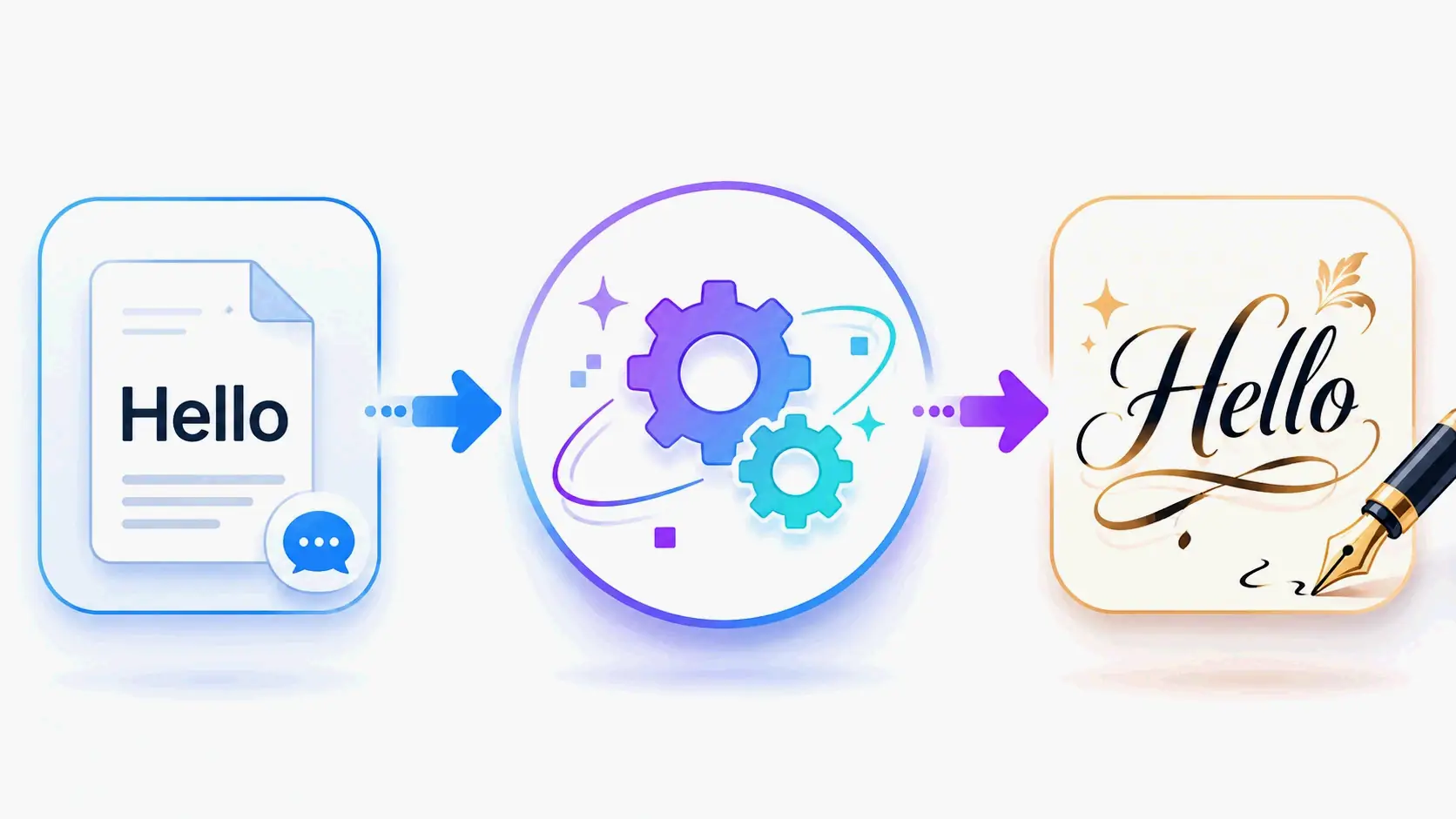
Generador de fuentes de caligrafía: herramienta online gratuita para estilos de texto elegantes