Fonts Generator: Create Unique Text Styles Easily in 2026
快速摘要
- A fonts generator converts ordinary text into decorativ
- A fonts generator converts ordinary text into decorative Unicode characters that you can copy and paste anywhere — Instagram bios, Discord nicknames, TikTok captions — without installing any software.
- How a Fonts Generator Works: Unicode, Not Font Files
编辑说明
本文由 SectoJoy 审阅,于 2026年5月7日 发布。当产品细节、示例或工具使用方式发生变化时,我们会同步更新内容。最近更新于 2026年5月15日。
SectoJoy
我是一名独立开发者,专注于构建 iOS 和 Web 应用程序,致力于打造实用的 SaaS 产品。我专注于 AI SEO 领域,不断探索智能技术如何推动可持续增长和效率提升。
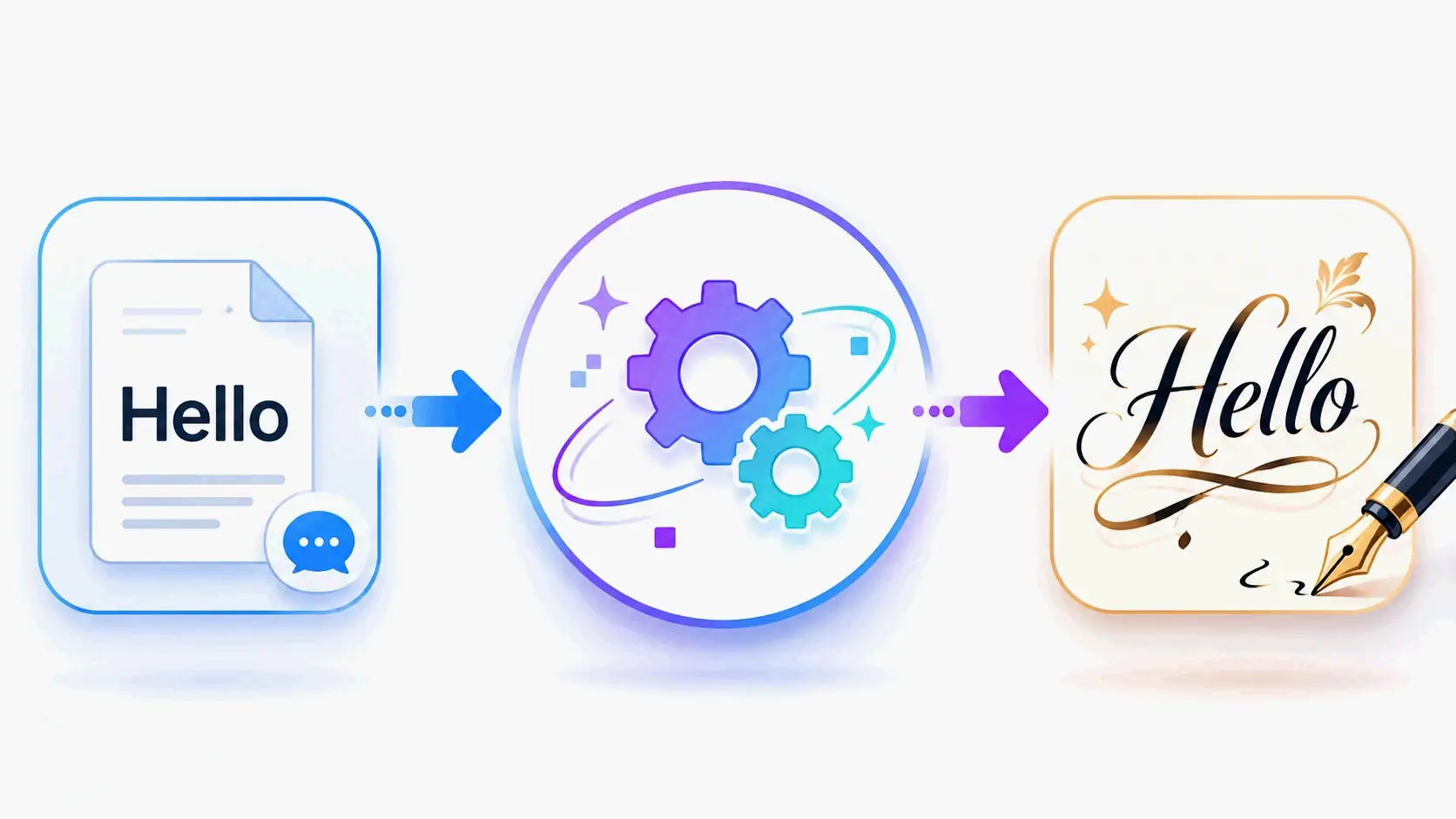
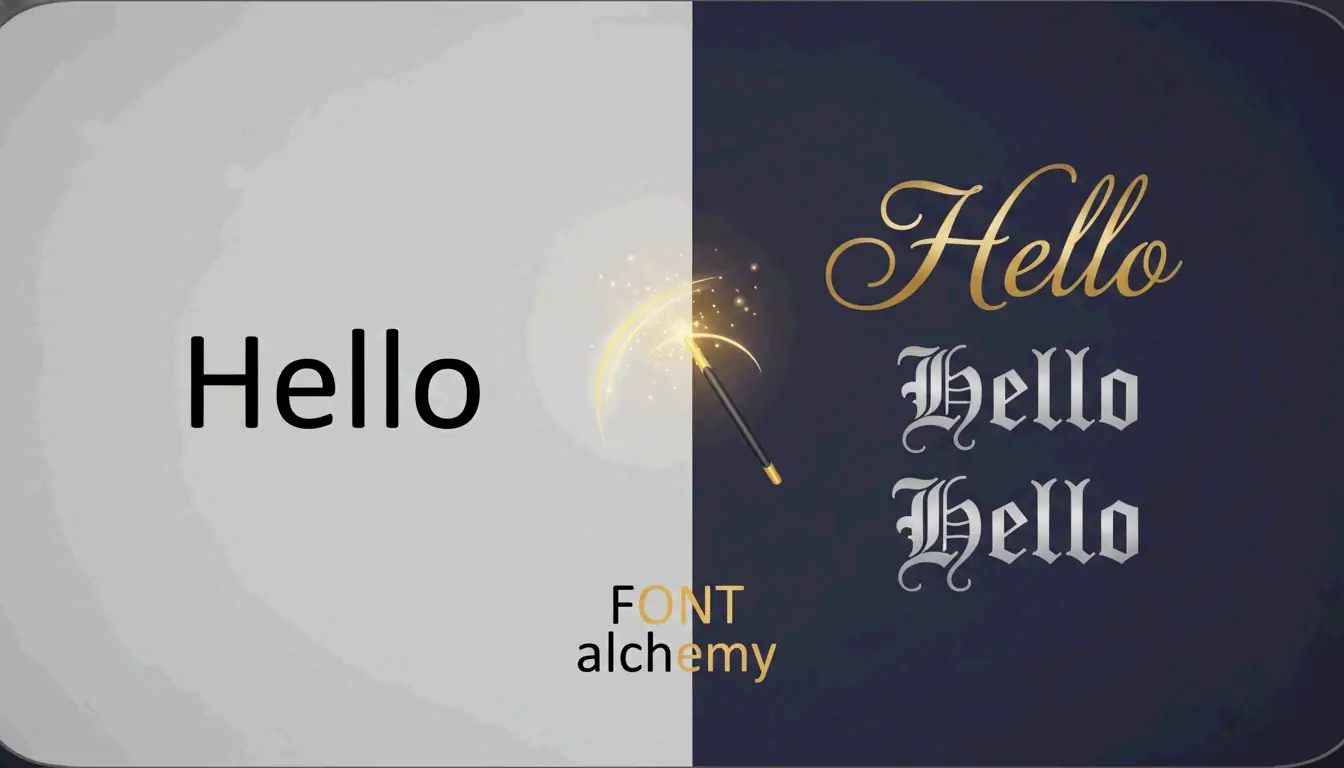
A fonts generator converts ordinary text into decorative Unicode characters that you can copy and paste anywhere — Instagram bios, Discord nicknames, TikTok captions — without installing any software. The trick relies on the Unicode standard’s library of over 143,000 characters, which includes stylized alphabets that look like custom fonts to the human eye but are actually distinct symbols to your device.
This guide walks through how these generators work, which styles make the biggest impact on social media, and how to stay accessible while looking great.
How a Fonts Generator Works: Unicode, Not Font Files
A fonts generator is not a font installer. It does not upload .ttf or .otf files to your device. Instead, it maps each letter you type to a visually similar character from the Unicode standard — a global encoding system that assigns a unique number to every character in every writing system.
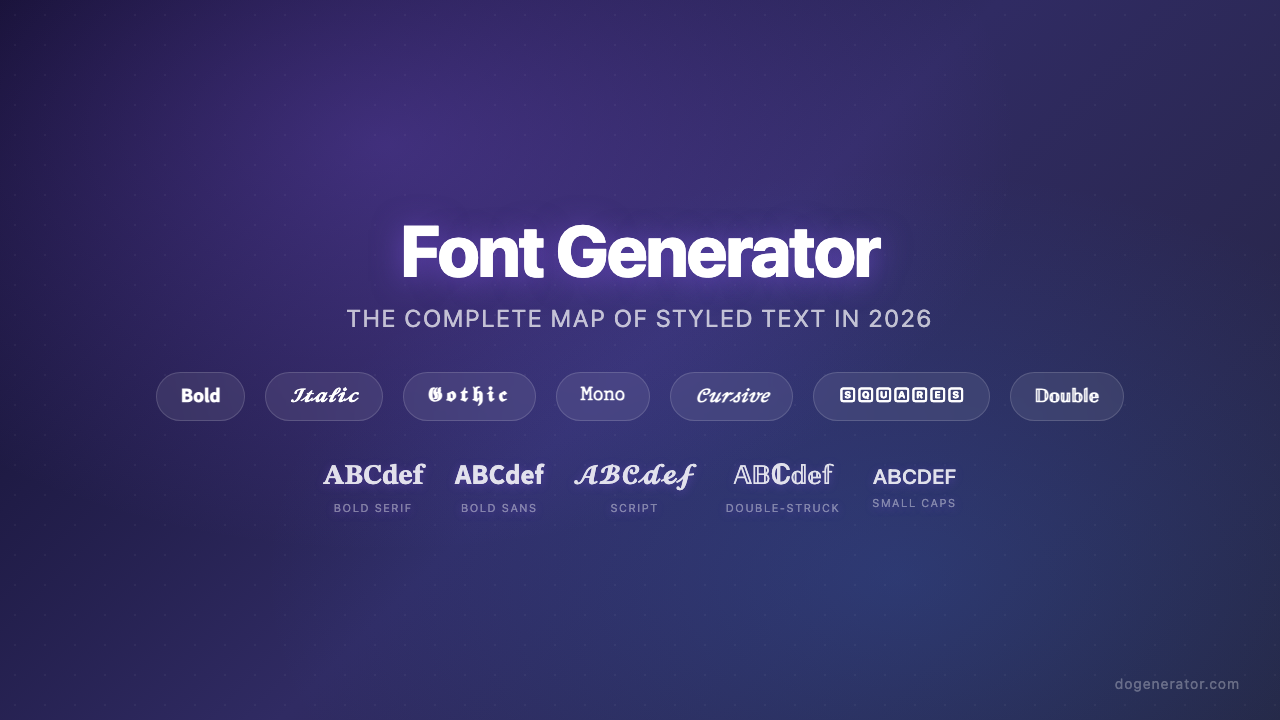
The key enabler is a Unicode block called Mathematical Alphanumeric Symbols. This block contains bold, italic, script, fraktur (gothic), and monospace versions of the Latin alphabet. Because your phone or browser treats these as “symbols” rather than “fonts,” they render correctly across iPhones, Androids, and desktop browsers without any special software.
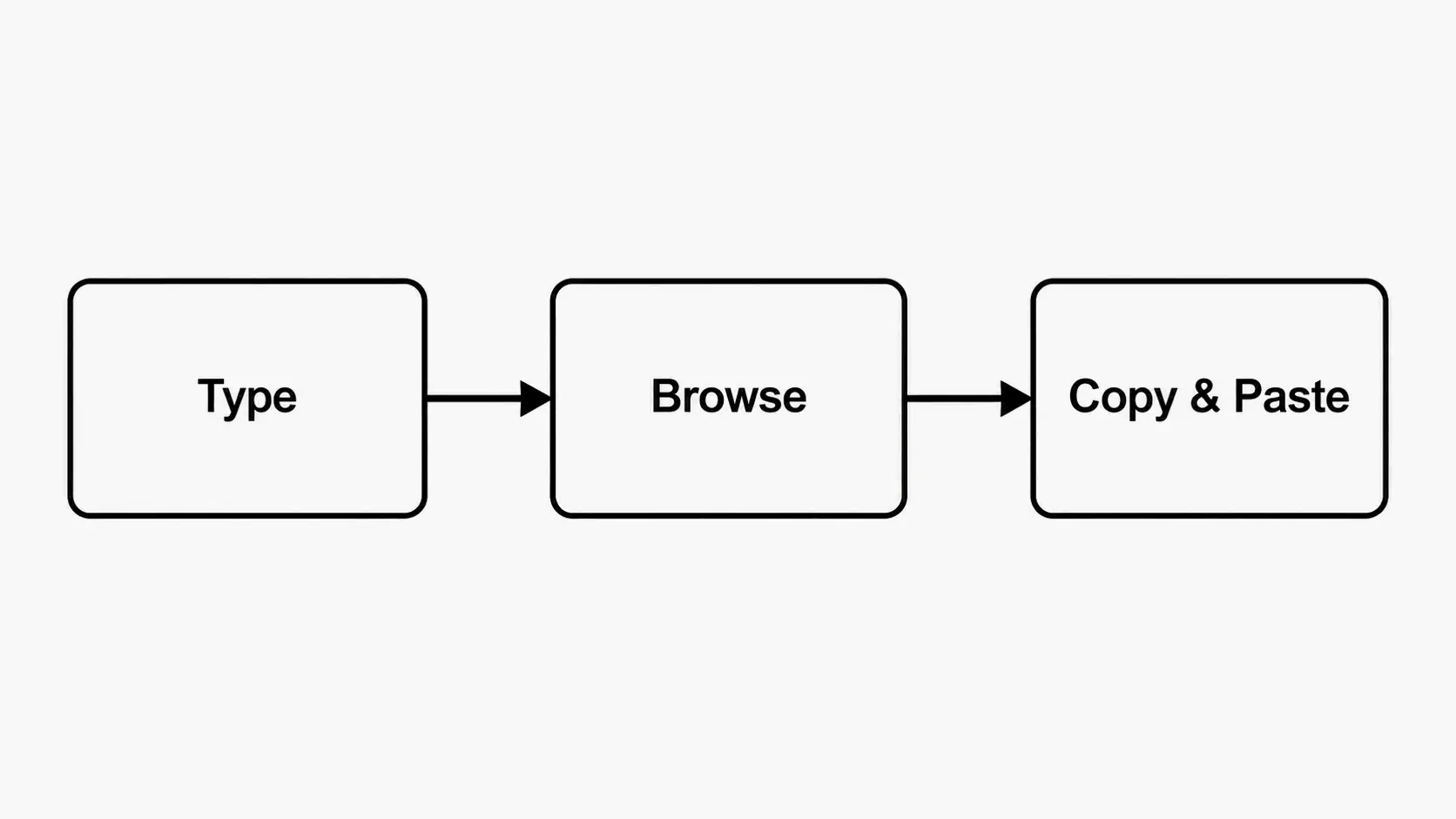
The 3-Step Workflow
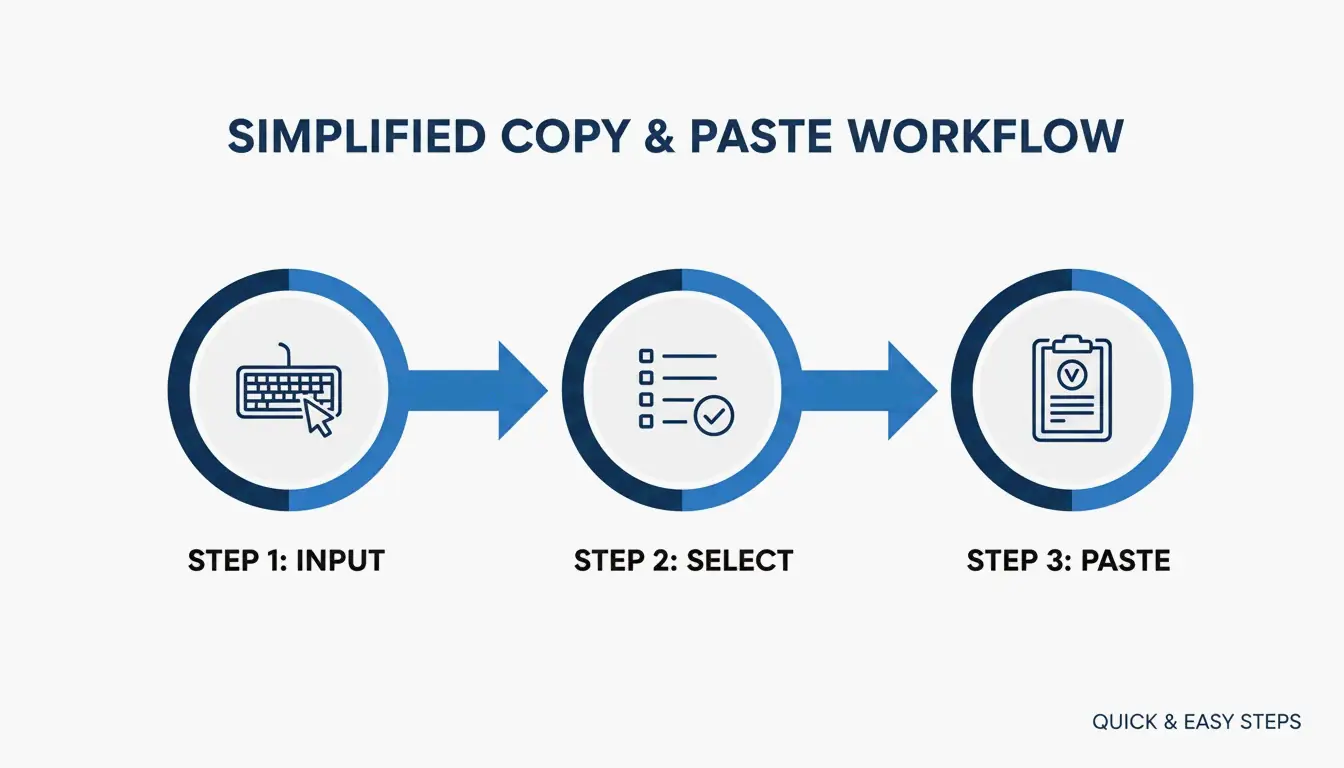
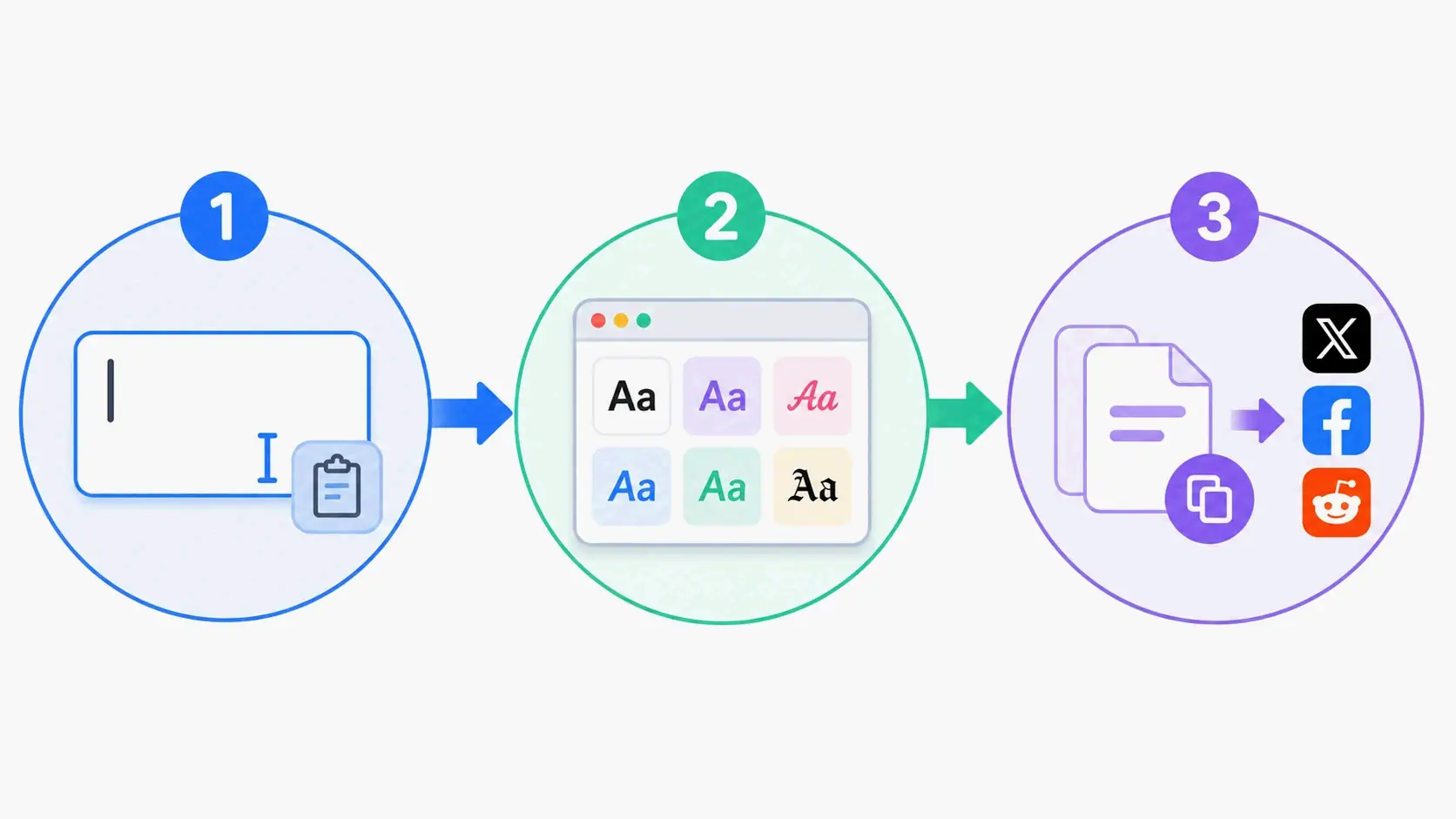
- Type your text into the generator’s input box.
- Browse the live preview list. Most tools, like Online Fonts Generator, offer 200+ styles — from elegant cursive to bubble letters to small caps.
- Copy and paste the result directly into Instagram, X (Twitter), Discord, or anywhere else.

Which Styles Work Best? A Platform-by-Platform Guide
Different platforms call for different visual strategies. Here is what tends to perform well where.
Instagram Bios: Bold + Cursive Combo
The most effective Instagram bios mix two styles at most:
| Element | Recommended Style | Example |
|---|---|---|
| Name / Headline | Bold sans-serif | 𝗝𝗘𝗦𝗦𝗜𝗖𝗔 |
| Tagline or quote | Cursive / Script | 𝒥𝓇𝒾𝓋𝓎 𝒜𝓇𝓉𝒾𝓈𝓉 |
| Contact info / Links | Plain text | [email protected] |
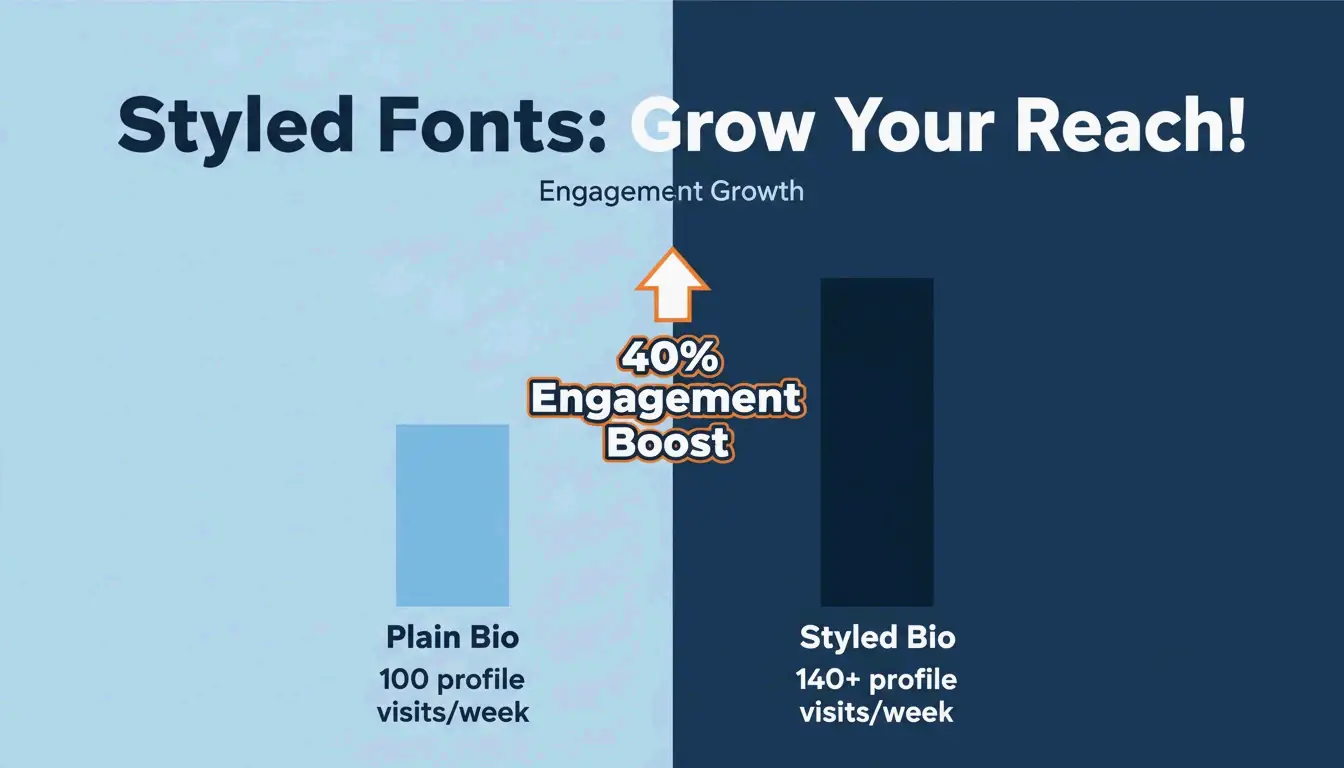
According to Fonts Generator Pro, a user who updated their Instagram bio with styled fonts saw a 40% increase in profile visits within two weeks. Captions with styled headers outperformed plain text by 130–150% in comment growth, acting as a visual “pattern interrupt” that stops the scroll.

Discord and Gaming: Gothic, Glitch, and Identity Building
In gaming communities — PUBG Mobile, Free Fire, Roblox — your username is your brand. Two styles dominate:
- Gothic / Old English (Fraktur): Medieval-style characters that set a dark, dramatic tone. Ideal for RPGs and gothic-themed Discord servers. Example: 𝔉𝔯𝔬𝔰𝔱𝔎𝔦𝔫𝔤.
- Glitch / Zalgo Text: Uses Unicode “combining characters” to stack diacritical marks above and below letters, creating a corrupted, horror-movie aesthetic.
Safety check: Some games restrict excessive symbols to prevent “name spoofing” or UI glitches. Always verify your styled name displays correctly in the actual game lobby before committing.
Accessibility: The Screen Reader Gap
Styled Unicode text can create a serious accessibility problem. Screen readers for visually impaired users often read the technical Unicode name of each symbol rather than the letter it resembles. For example:
- A user sees: 𝗔
- A screen reader says: “Mathematical Bold Capital A”
This makes long stretches of styled text unreadable for assistive technology users.
The “Safe Mode” Font List
Following W3C and WebAIM accessibility guidelines, these styles balance visual interest with readability:
| Safe Style | Example | Screen Reader Behavior |
|---|---|---|
| Small Caps | ꜱᴍᴀʟʟ ᴄᴀᴘꜱ | Generally recognized |
| Bold Serif | 𝐁𝐨𝐥𝐝 | Adds emphasis, minimal distortion |
| Monospace | 𝙼𝚘𝚗𝚘𝚜𝚙𝚊𝚌𝚎 | Clean, widely supported |
Rule of thumb: Use decorative text as a highlight — for names, headers, or short taglines. Never style essential information like dates, addresses, or instructions. Keep contact details and links in plain text.
Common Rendering Issues and How to Avoid Them
The “Tofu” Problem
If a styled character appears as an empty rectangle (□) or question mark, it means the recipient’s operating system or app does not support that Unicode block. This is called “tofu.” Older Android versions and outdated browsers are the most susceptible.
Fix: Stick to widely supported styles — Bold, Small Caps, or Monospace. Avoid exotic Unicode blocks for content that needs to display reliably across all devices.
Copyright and Safety
Generated styles are not font files — they are Unicode symbols from an open, global standard. No licensing is required for personal or commercial use on social media platforms.
Conclusion
A fonts generator is a fast, free way to create unique text styles using Unicode — no design skills or software installs needed. The most effective approach is to use 2–3 complementary styles strategically: bold for headers, cursive for accents, plain text for utility. For gaming, gothic and glitch styles build memorable identities. And for accessibility, stick to the “Safe Mode” list (Small Caps, Bold Serif, Monospace) and never style essential information.
Start with a subtle bold or small-cap style for your bio, check how it looks on different devices, and scale up from there.
FAQ
Why do some fancy fonts appear as boxes or question marks on my device?
This is called “tofu” rendering. It happens when the recipient’s operating system or app lacks support for the specific Unicode block used. Older Android versions and outdated browsers are most affected. Switch to a more common style like Bold or Small Caps for reliable display.
Are generated fonts safe to use and free from copyright?
Yes. These are not actual font files — they are Unicode symbols from a global, standardized character set. No installation or licensing is needed for personal or commercial use on social media.
Do styled fonts affect screen reader accessibility?
Yes, significantly. Screen readers read the technical Unicode description (e.g., “Mathematical Bold Capital A”) instead of the letter “A.” Use styled fonts only for decorative accents — never for essential information like contact details or important announcements.
常见问题
Why do some fancy fonts appear as boxes or question marks on my device?
This is called “tofu” rendering. It happens when the recipient’s operating system or app lacks support for the specific Unicode block used. Older Android versions and outdated browsers are most affected. Switch to a more common style like Bold or Small Caps for reliable display.
Are generated fonts safe to use and free from copyright?
Yes. These are not actual font files — they are Unicode symbols from a global, standardized character set. No installation or licensing is needed for personal or commercial use on social media.
Do styled fonts affect screen reader accessibility?
Yes, significantly. Screen readers read the technical Unicode description (e.g., “Mathematical Bold Capital A”) instead of the letter “A.” Use styled fonts only for decorative accents — never for essential information like contact details or important announcements.