Maîtriser les prompts des générateurs d’images IA : le framework 2026 pour des visuels pros
Résumé rapide
- Obtenir de bons résultats avec un générateur d’images IA n’a rien à voir avec la chance
- Obtenir de bons résultats avec un générateur d’images IA n’a rien à voir avec la chance ou avec taper « make it beautiful ».
- Le framework de prompt en six éléments
Processus éditorial
Relu par SectoJoy et publié le 21 juin 2026. Cet article est mis à jour lorsque les détails du produit, les exemples ou les consignes d'utilisation évoluent. Dernière mise à jour : 21 juin 2026.
SectoJoy
Je suis un développeur indépendant créant des applications iOS et web, avec un focus sur les produits SaaS pratiques. Je me spécialise en SEO basé sur l'IA, en explorant constamment comment les technologies intelligentes peuvent stimuler la croissance durable et l'efficacité.
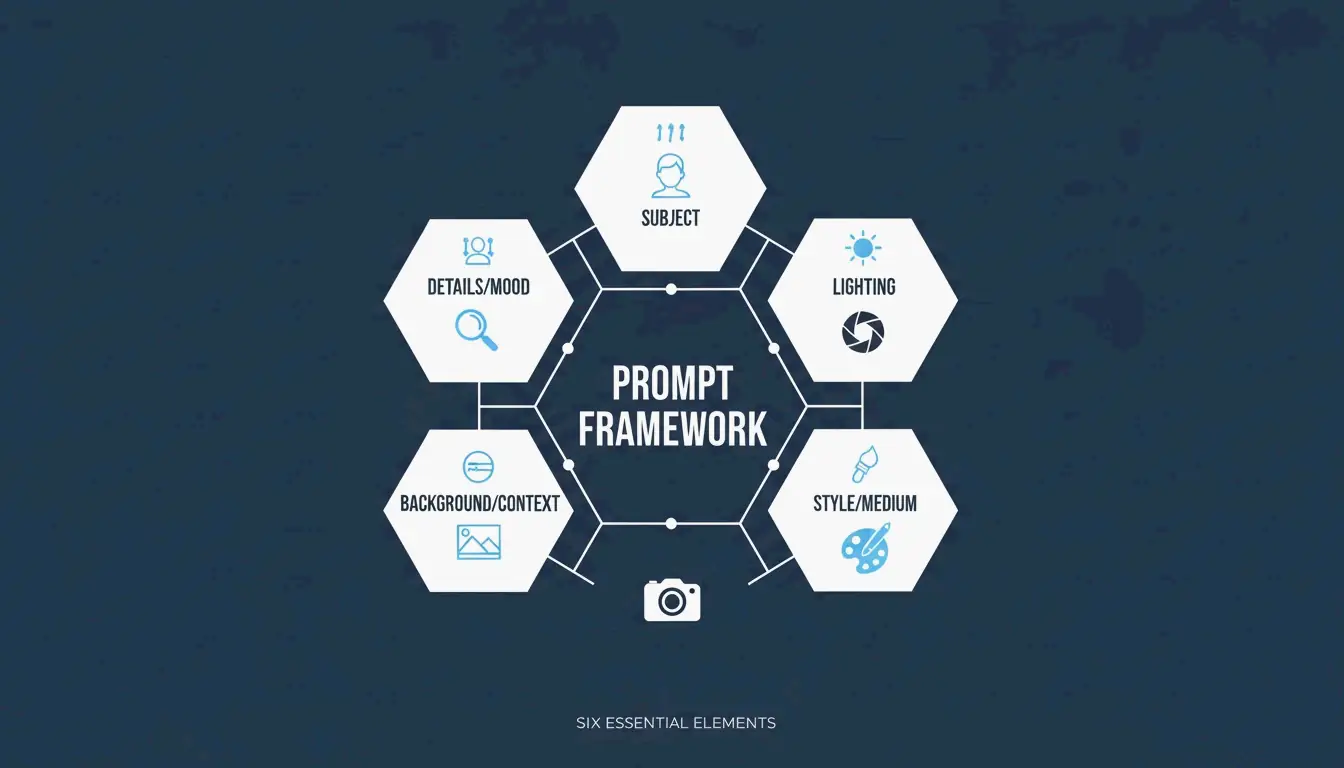
Obtenir de bons résultats avec un générateur d’images IA n’a rien à voir avec la chance ou avec taper « make it beautiful ». En 2026, les visuels professionnels naissent d’un prompting structuré : on traite l’IA comme une caméra et un directeur artistique réunis. L’approche qui s’est imposée comme standard de l’industrie est le Six-Element Framework : Subject, Environment, Style, Lighting, Composition et Quality Modifiers.
Ce guide couvre l’ensemble du framework, compare les principaux modèles (GPT Image 2, Nano Banana 2, Flux 1.1 Pro, Midjourney) et vous montre comment itérer, d’une ébauche grossière à une image prête pour la production.
Le framework de prompt en six éléments
Le changement clé : arrêtez de décrire et commencez à instruire. Les données d’Adobe montrent qu’en 2025, 67 % des équipes marketing avaient intégré la génération IA dans leurs workflows quotidiens — faisant de l’ingénierie de prompt une compétence professionnelle centrale.
Voici le framework qui garantit que chaque élément de votre image est un choix délibéré :
| Élément | Ce qu’il faut spécifier | Exemple |
|---|---|---|
| Subject | Le sujet principal avec ses détails physiques | « un ordinateur portable fin et argenté, ouvert à 90 degrés sur un bureau en chêne blanc » |
| Environment | L’arrière-plan ou le décor | « studio minimaliste aux murs gris doux » |
| Style | Le médium ou le genre visuel | « photographie éditoriale », « illustration à plat », « rendu 3D » |
| Lighting | Direction, qualité, température | « lumière naturelle et douce depuis la gauche, tonalité chaude » |
| Composition | Angle de caméra et cadrage | « grand angle, perspective à hauteur des yeux, faible profondeur de champ » |
| Quality | Cibles techniques de sortie | « 4K, ultra-réaliste, haute fidélité » |
Pourquoi la précision bat les adjectifs
Des mots comme « stunning » ou « beautiful » n’apportent rien d’utile à un modèle d’IA. Spécifier un « 50mm lens » ou une « photographie de type DSLR » oblige l’IA à simuler des optiques réelles — y compris le flou naturel d’arrière-plan (bokeh). Selon le guide ImagineArt, maîtriser l’éclairage est le moyen le plus efficace de passer du « faux rendu IA » à une photographie professionnelle.
Étude de cas : -75 % de coûts en e-commerce
Ce framework ne concerne pas que l’esthétique : il bouleverse l’économie de la production de contenu. Comme le rapporte Pixazo, une plateforme e-commerce a utilisé le prompting structuré avec Seedream 4.5 et 5.0 pour générer plus de 10 000 images produit par mois. En remplaçant les séances photo traditionnelles (généralement 2 000 $ à 10 000 $ chacune), l’entreprise a réduit ses coûts créatifs de 75 % et accéléré son time-to-market.
GPT Image 2 : typographie et instructions complexes
GPT Image 2 est une avancée majeure de 2026, car il gère les instructions en couches et restitue du texte lisible dans les images — une chose que les modèles précédents peinaient à faire. Pour obtenir une typographie propre :
- Placez le texte souhaité entre guillemets :
"SALE 50% OFF" - Spécifiez le style de police : « bold sans-serif » ou « thin serif »
- Définissez le placement : « centré sur une bannière blanche, tiers supérieur de l’image »
La limite de fiabilité 2K
La précision technique s’étend à la résolution. Bien que GPT Image 2 puisse viser le 4K (3840×2160), la documentation d’OpenAI suggère de traiter tout ce qui dépasse 2560×1440 (2K) comme une « frontière expérimentale ». Pour des textures et une logique cohérentes en production, restez en 2K. Veillez toujours à ce que les dimensions soient un multiple de 16.
Prompts pour la cohérence de marque
GPT Image 2 est conçu pour les « Context-Rich Prompts ». Au lieu de simplement décrire l’image, dites à l’IA à quoi elle sert. IndianPrompt recommande une formulation du type : « Génère une image professionnelle pour un article de blog sur la productivité… l’ambiance doit être optimiste. » Cela aide le modèle à choisir automatiquement des palettes de couleurs et des mises en page conformes aux standards du design professionnel.
Nano Banana 2 et Flux 1.1 Pro : les leaders du photoréalisme
Si votre objectif est un réalisme photographique absolu, voici comment se comparent les principaux modèles :
| Modèle | Force | Idéal pour |
|---|---|---|
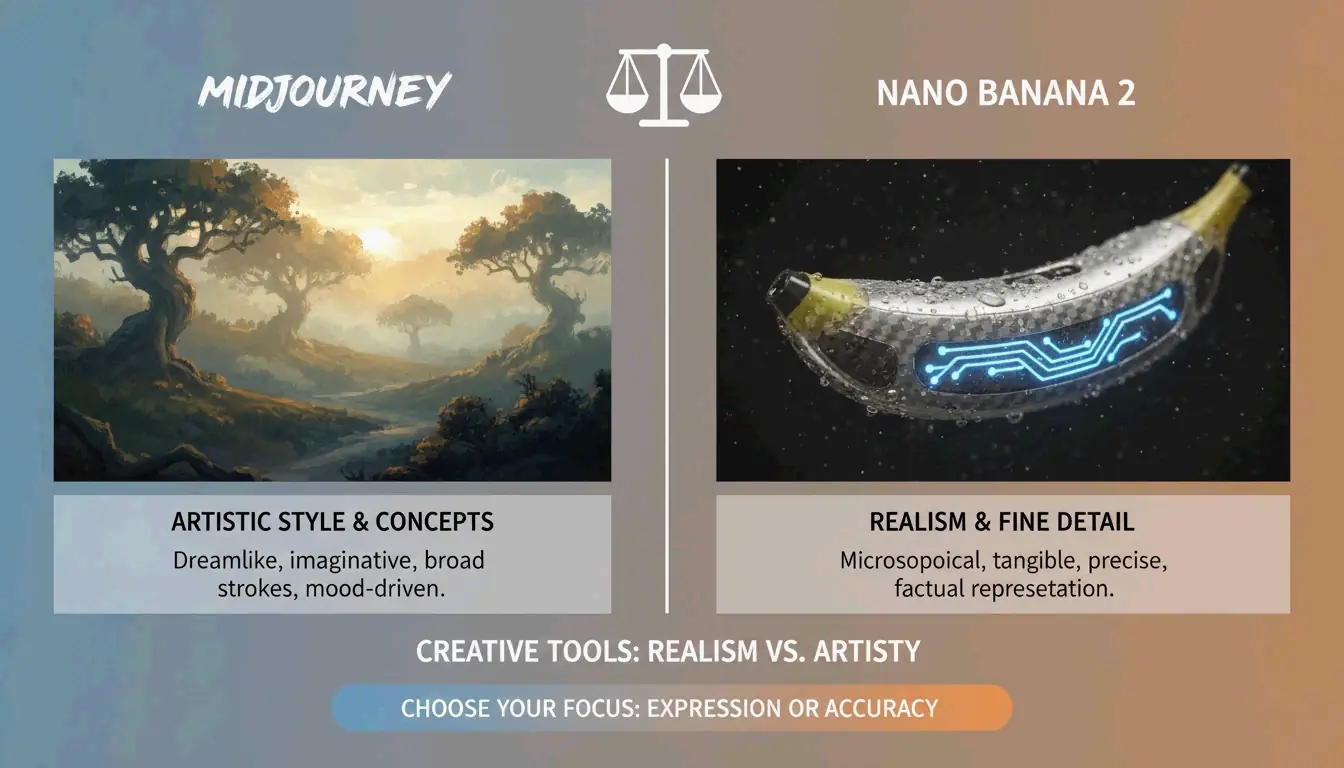
| Nano Banana 2 (Gemini 3 Pro Image) | Micro-textures : pores de la peau, trames de tissu, matériaux vieillis en 4K | Architecture, photographie produit, hyper-réalisme |
| Flux 1.1 Pro | Simulation de lumière naturelle — comment la lumière rebondit, où tombent les ombres | Pipelines de développement, éclairage cohérent, travail à fort volume |
| Midjourney | Ambiance artistique, imagerie atmosphérique, style éditorial | Concepts abstraits, storytelling de marque, « l’émotion plutôt que l’exactitude » |
AIMLAPI souligne que Nano Banana 2 est actuellement le modèle le plus détaillé pour l’architecture et les prises de vue produit. Midjourney conserve une part de marché de 26,8 % en 2026 (Prodia), ce qui en reste la référence quand il faut une « ambiance artistique » plutôt qu’un document littéral.
Techniques avancées : l’affinage itératif
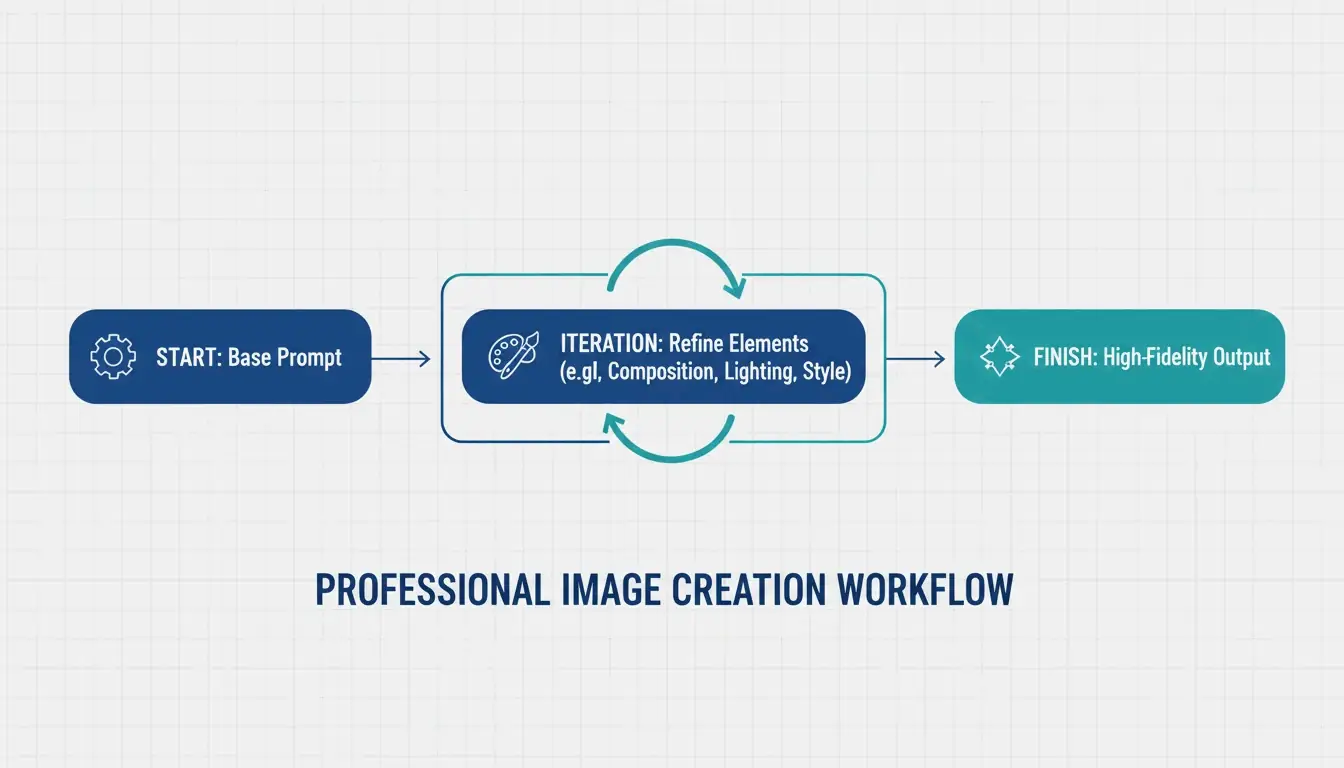
Les images IA professionneles sont rarement parfaites au premier essai. Le standard de l’industrie est une boucle d’affinage en 3 à 5 étapes :
- Prompt de base — Obtenez la bonne composition et le bon sujet
- Passes d’affinage — Utilisez des instructions ciblées comme « change uniquement la couleur de la veste, garde le visage identique »
- Finition finale — Ajustez l’éclairage, corrigez les artefacts, assurez la cohérence de marque
ImagineArt insiste sur l’importance de réénoncer les constantes — dire explicitement à l’IA ce qui ne doit pas changer entre deux itérations. Sans cela, le modèle a tendance à dériver.
Negative prompts pour le contrôle qualité
Le negative prompting reste essentiel — dites à l’IA ce qu’il faut exclure :
– "extra fingers, extra limbs" — Artefacts classiques de l’IA
– "text overlays, watermarks" — Ajouts indésirables
– "stock photo aesthetic, over-smoothed skin" — Le rendu « plastique » générique courant dans les sorties très saturées
Préparer l’Image-to-Video
Une tendance majeure de 2026 : générer des images statiques optimisées pour des outils vidéo comme Kling ou Grok. Quand vous créez des visuels pour le pipeline Image-to-Video (I2V), assurez-vous d’avoir des keyframes en haute résolution aux caractéristiques cohérentes, afin que l’IA puisse animer la scène sans glitchs.
Workflows spécialisés : sortie SVG et cohérence de marque
Pour les designers qui ont besoin de fichiers évolutifs, Recraft V4 se distingue : c’est le seul grand modèle à produire de vrais fichiers SVG (scalable vector). Selon AIMLAPI, sa prise en charge native des kits de marque vous permet d’importer vos propres palettes de couleurs et logos, garantissant que chaque génération respecte le langage visuel de votre entreprise.
Cohérence de personnage entre les scènes
Des outils comme Midjourney et Nano Banana 2 prennent désormais en charge les balises « Character Reference » (Cref), qui permettent au même personnage d’apparaître de manière cohérente dans différentes scènes. Combinées à un prompt « Character Seed » définissant des traits fixes (âge, couleur de cheveux, vêtements), c’est une véritable avancée pour le storytelling de marque.
Sécurité juridique pour un usage commercial
Adobe Firefly, avec plus de 6,5 milliards de visuels créés, reste le premier choix pour l’entreprise car il est entraîné sur du contenu sous licence et offre une protection commerciale que les modèles open-source ne peuvent égaler. Vérifiez toujours les dernières exigences de divulgation IA en vigueur sur votre marché.
Conclusion
L’imagerie IA professionnelle en 2026 est passée du tâtonnement créatif à l’ingénierie structurée. L’approche concrète :
- Utilisez le Six-Element Framework pour chaque prompt — Subject, Environment, Style, Lighting, Composition, Quality
- Choisissez le bon modèle — GPT Image 2 pour la typographie et les mises en page, Nano Banana 2 pour le photoréalisme, Midjourney pour l’ambiance artistique
- Itérez 3 à 5 fois — Commencez par la composition, affinez les détails, puis finalisez
- Pensez au-delà du statique — Optimisez pour le pipeline Image-to-Video quand c’est nécessaire
Maîtriser ces instructions techniques transforme l’IA : d’un simple gadget, elle devient un studio numérique haute performance.
FAQ
Quel générateur d’images IA est le meilleur pour rendre du texte net en 2026 ?
GPT Image 2 est le leader actuel pour la typographie (AIMLAPI). Il suit des instructions de mise en page complexes mieux que Nano Banana 2 ou Midjourney. Pour de meilleurs résultats, placez le texte entre guillemets et précisez le style et le placement de la police.
Puis-je utiliser des images générées par IA pour du marketing commercial ?
Oui, mais cela dépend de la licence de l’outil. Les offres entreprise de GPT Image 2 et d’Adobe Firefly autorisent généralement un usage commercial. Prodia note qu’Adobe Firefly est particulièrement sûr car il est entraîné sur du contenu sous licence. Vérifiez toujours les exigences actuelles de divulgation IA pour votre région.
Comment maintenir la cohérence d’un personnage sur plusieurs scènes ?
Utilisez les balises Character Reference (Cref) dans Midjourney ou Nano Banana 2. Créez un prompt « Character Seed » définissant des traits physiques fixes. ImagineArt suggère d’utiliser l’affinage itératif pour ajuster les arrière-plans tout en gardant le sujet statique.
Quels sont les réglages de résolution recommandés pour GPT Image 2 ?
Pour un usage en production, restez à 2560×1440 (2K). Bien que 3840×2160 (4K) soit possible, le Cookbook d’OpenAI traite la limite de 3840px comme expérimentale. Veillez toujours à ce que les dimensions soient des multiples de 16.
Questions fréquentes
Quel générateur d’images IA est le meilleur pour rendre du texte net en 2026 ?
GPT Image 2 est le leader actuel pour la typographie (AIMLAPI). Il suit des instructions de mise en page complexes mieux que Nano Banana 2 ou Midjourney. Pour de meilleurs résultats, placez le texte entre guillemets et précisez le style et le placement de la police.
Puis-je utiliser des images générées par IA pour du marketing commercial ?
Oui, mais cela dépend de la licence de l’outil. Les offres entreprise de GPT Image 2 et d’Adobe Firefly autorisent généralement un usage commercial. Prodia note qu’Adobe Firefly est particulièrement sûr car il est entraîné sur du contenu sous licence. Vérifiez toujours les exigences actuelles de divulgation IA pour votre région.
Comment maintenir la cohérence d’un personnage sur plusieurs scènes ?
Utilisez les balises Character Reference (Cref) dans Midjourney ou Nano Banana 2. Créez un prompt « Character Seed » définissant des traits physiques fixes. ImagineArt suggère d’utiliser l’affinage itératif pour ajuster les arrière-plans tout en gardant le sujet statique.
Quels sont les réglages de résolution recommandés pour GPT Image 2 ?
Pour un usage en production, restez à 2560×1440 (2K). Bien que 3840×2160 (4K) soit possible, le Cookbook d’OpenAI traite la limite de 3840px comme expérimentale. Veillez toujours à ce que les dimensions soient des multiples de 16.
Articles associés
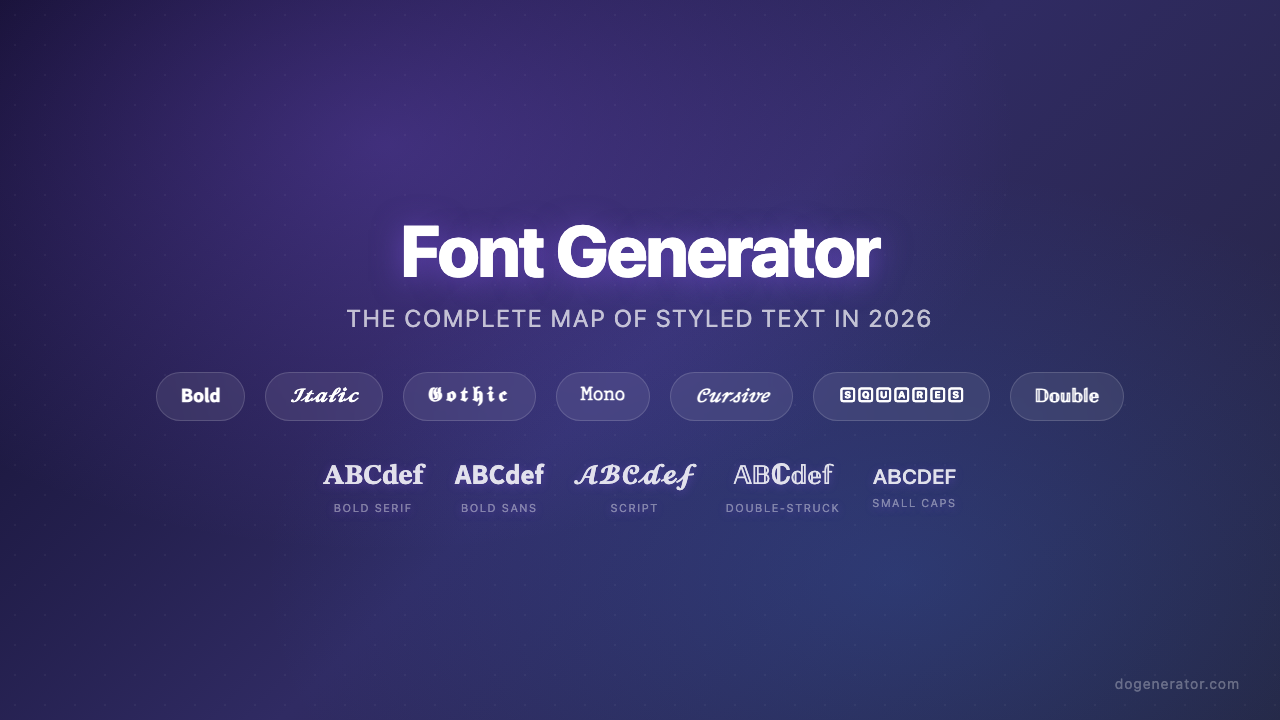
Générateur de polices : la carte complète du texte stylé en 2026
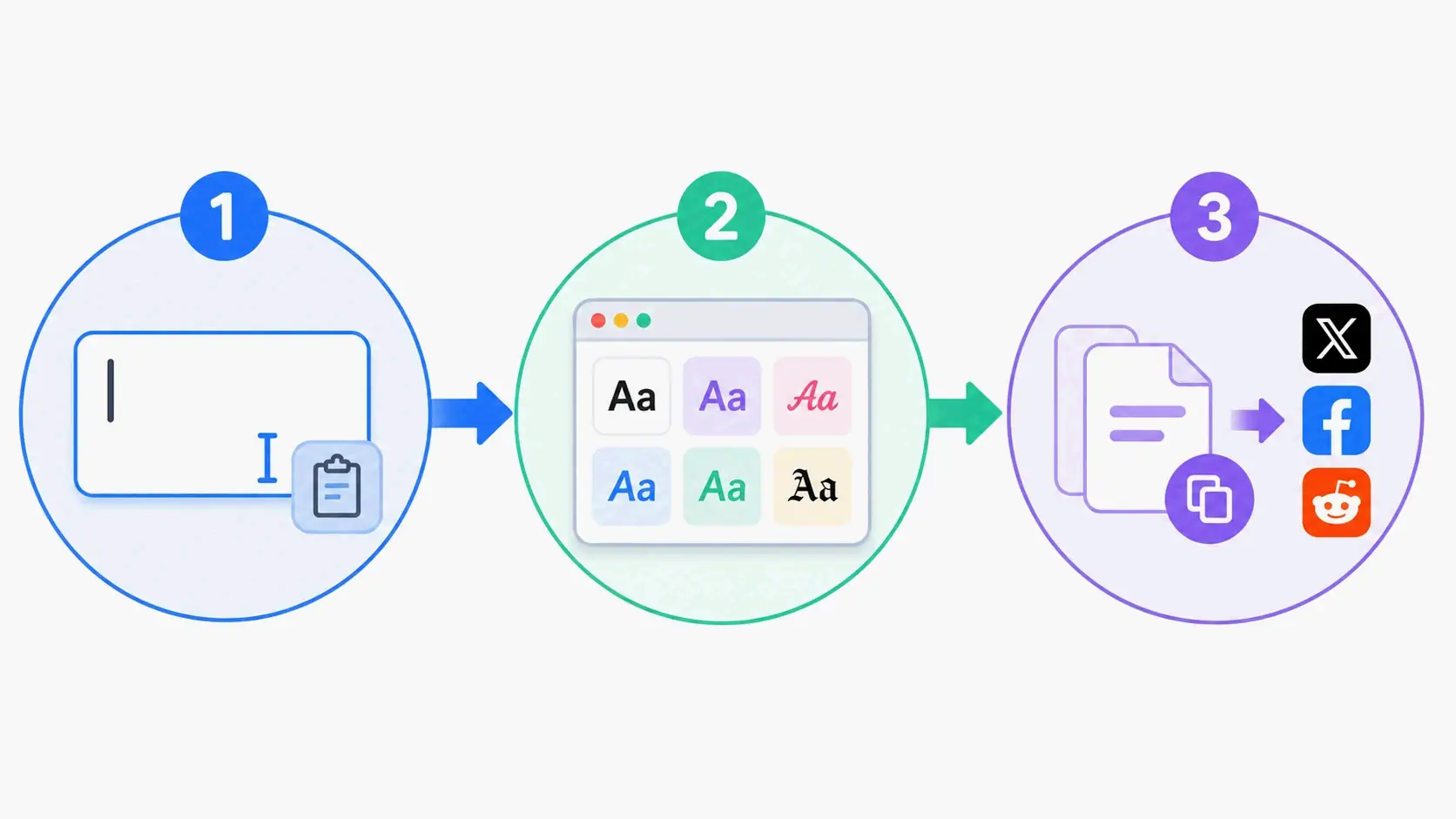
Générateur de polices esthétiques : le guide ultime du texte Unicode stylé
Générateur de polices calligraphiques : outil en ligne gratuit pour des styles de texte élégants