VIN Barcode Guide: How to Locate, Scan, and Generate Vehicle Barcodes
Quick Summary
- Every vehicle has a unique fingerprint — a 17-character
- Every vehicle has a unique fingerprint — a 17-character Vehicle Identification Number (VIN) that encodes its manufacturer, model, engine type, and production sequence.
- Locating Your VIN: Where to Look
Editorial Process
Reviewed by SectoJoy and published on May 7, 2026. This article is refreshed when product details, examples, or tool guidance change. Last updated May 15, 2026.
SectoJoy
I'm an indie hacker building iOS and web applications, with a focus on creating practical SaaS products. I specialize in AI SEO, constantly exploring how intelligent technologies can drive sustainable growth and efficiency.
Every vehicle has a unique fingerprint — a 17-character Vehicle Identification Number (VIN) that encodes its manufacturer, model, engine type, and production sequence. Whether you’re sourcing parts, running a history check, or processing vehicle intake at a dealership, the VIN is the key that unlocks everything.
This guide covers where to find the VIN barcode, how to scan it with modern OCR tools (99.8% accuracy), how to generate compliant barcodes, and what’s changing with the 2026 EU Digital Product Passport.
Locating Your VIN: Where to Look
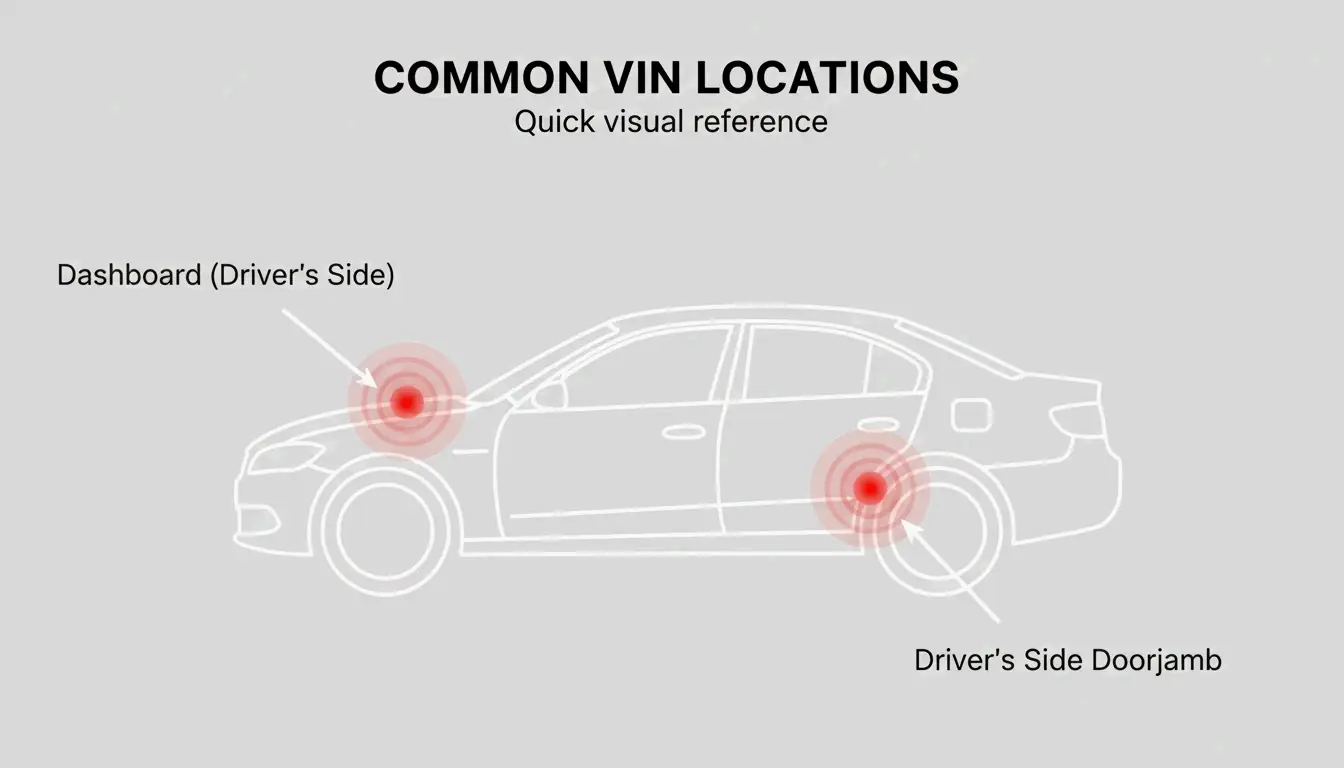
Since 1981, every vehicle sold in the U.S. carries a standardized 17-character VIN. You’ll typically find the barcode or stamped plate in two primary locations:
| Location | How to Find It |
|---|---|
| Dashboard (driver’s side) | Stand outside the car, look through the bottom corner of the windshield at the metal plate where the dash meets the hood |
| B-pillar doorjamb | Open the driver’s door, check the post for a compliance sticker listing the VIN, tire pressure, and manufacture date |
For vehicles where these aren’t accessible:
| Vehicle Type | Alternative Location |
|---|---|
| Trucks / SUVs | Front-right frame rail |
| Motorcycles | Steering head tube |
| Trailers | Tongue (front hitch area) |
If physical tags are missing or damaged, the NHTSA suggests checking the engine block, spare tire well, or your state registration card, insurance policy, or vehicle title.
Troubleshooting: Faded or Missing Tags
For rusted frames or damaged plates, FatBoysOffroad recommends using a wire brush to clear grime and rust from the chassis stamp. If the physical tags are completely gone, your registration card, insurance policy, or vehicle title will have the VIN.
Scanning Technology: OCR at 99.8% Accuracy
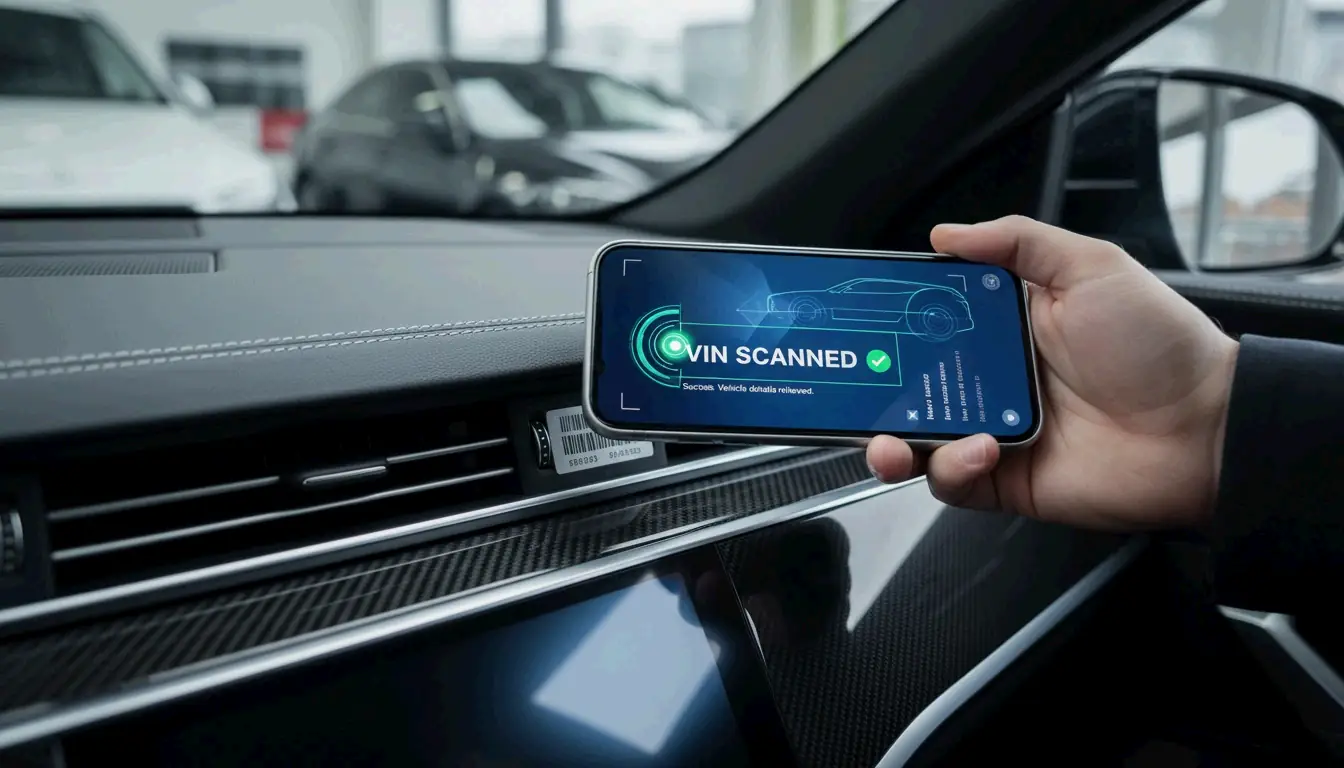
Typing 17-character codes by hand is error-prone and slow. Modern scanning uses Optical Character Recognition (OCR) to convert a photo into digital text. According to Vincario, professional scanners in 2026 hit a 99.8% accuracy rate — eliminating the typos that lead to wrong parts orders or incorrect valuations.
Top Tools for 2026
| Tool | Type | Strength |
|---|---|---|
| Vincario | Business platform | Decodes VINs + shows market values |
| GroupDocs | Online scanner | Upload photos or use webcam |
| Carketa | Dealership API | Integrated with Dealer Management Systems |
The time savings are significant. Vincario reports dealerships cut manual processing time by ~48% using integrated scanners during vehicle intake and auctions.
Tips for Scanning Damaged Barcodes
Scanning through a windshield or reading a faded code can be tricky. GroupDocs uses AI algorithms to reconstruct partial patterns. For best results:
- Ensure plenty of light but no direct glare on the surface
- If the barcode won’t scan, switch to “text” mode to read the alphanumeric characters printed beside the barcode lines
- Try a high-contrast filter within the app
How to Generate ISO 3779 Compliant VIN Barcodes
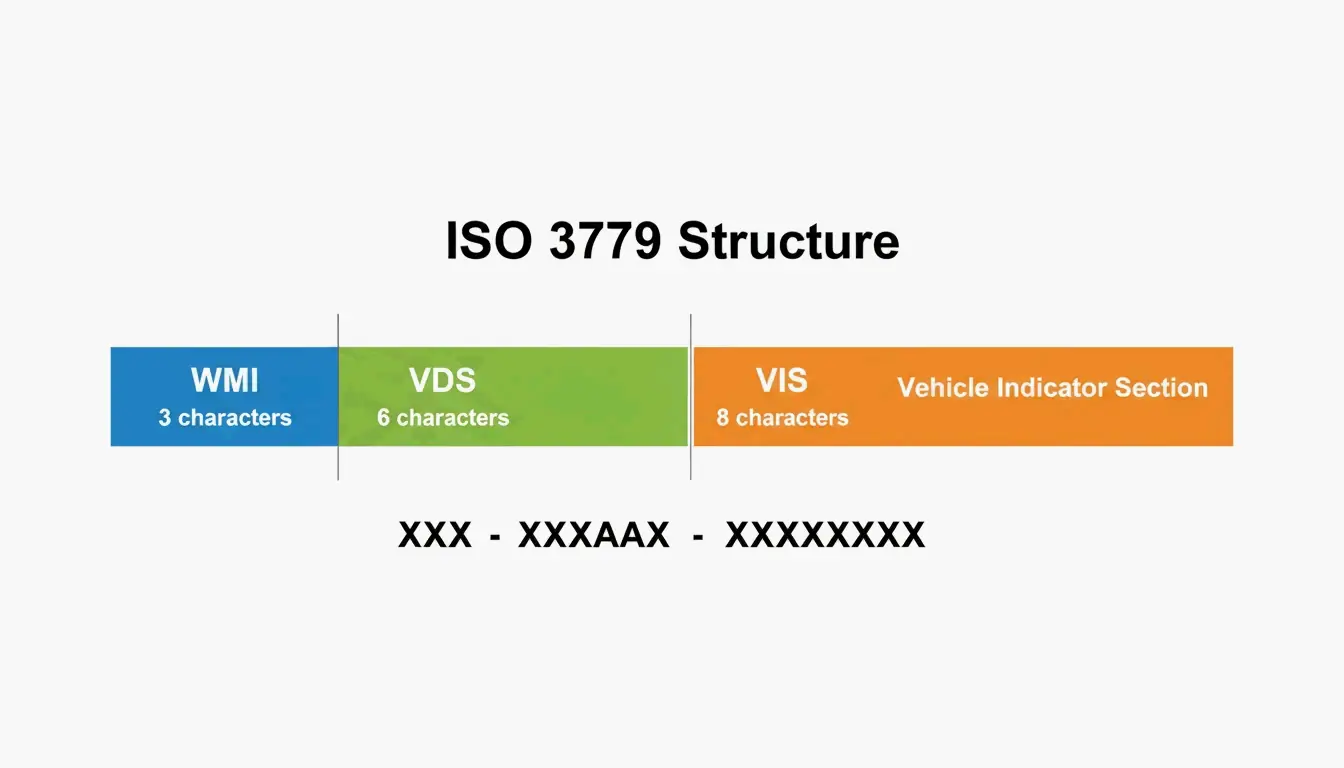
Generating a VIN barcode for industrial or official use requires following international standards. ISO 3779 defines the 17-character structure:
| Segment | Characters | What It Encodes |
|---|---|---|
| WMI (World Manufacturer Identifier) | 1–3 | Country and manufacturer |
| VDS (Vehicle Descriptor Section) | 4–9 | Model, engine type, body style |
| VIS (Vehicle Identifier Section) | 10–17 | Model year, assembly plant, production number |
Critical Rule: No I, O, or Q
ISO 3779 bans the letters I, O, and Q to prevent confusion with the numbers 1 and 0. This applies whether you’re typing, printing, or scanning.
Barcode Format Options
| Format | Best For | Notes |
|---|---|---|
| Code 39 | DMV, insurance, government work | Industry standard for official documents |
| Code 128 | Small labels, high-density needs | More compact than Code 39 |
Tools like Abundera can generate these codes, though web-based tools typically limit you to 500 codes per session.
The Check Digit (Character 9)
The 9th character of a North American VIN is a Check Digit — a number (0–9) or the letter “X” calculated from the other characters to verify accuracy. The EAN Check team notes that U.S. and Chinese markets require this check digit to prevent fraud, while European and Japanese manufacturers follow it less consistently.
NHTSA 2024 WMI Update
In a 2024 update, the NHTSA clarified that automakers can use U.S.-issued WMIs for vehicles built outside the U.S. under certain conditions. Some Fords built overseas, for example, still carry a U.S. WMI (starting with 1, 4, or 5). To determine where a car was actually assembled, check the 11th digit, which identifies the specific assembly plant.
Industrial Applications: Marking and Digital Passports
Permanently marking a VIN onto a chassis requires specialized techniques:
| Method | How It Works | Best For |
|---|---|---|
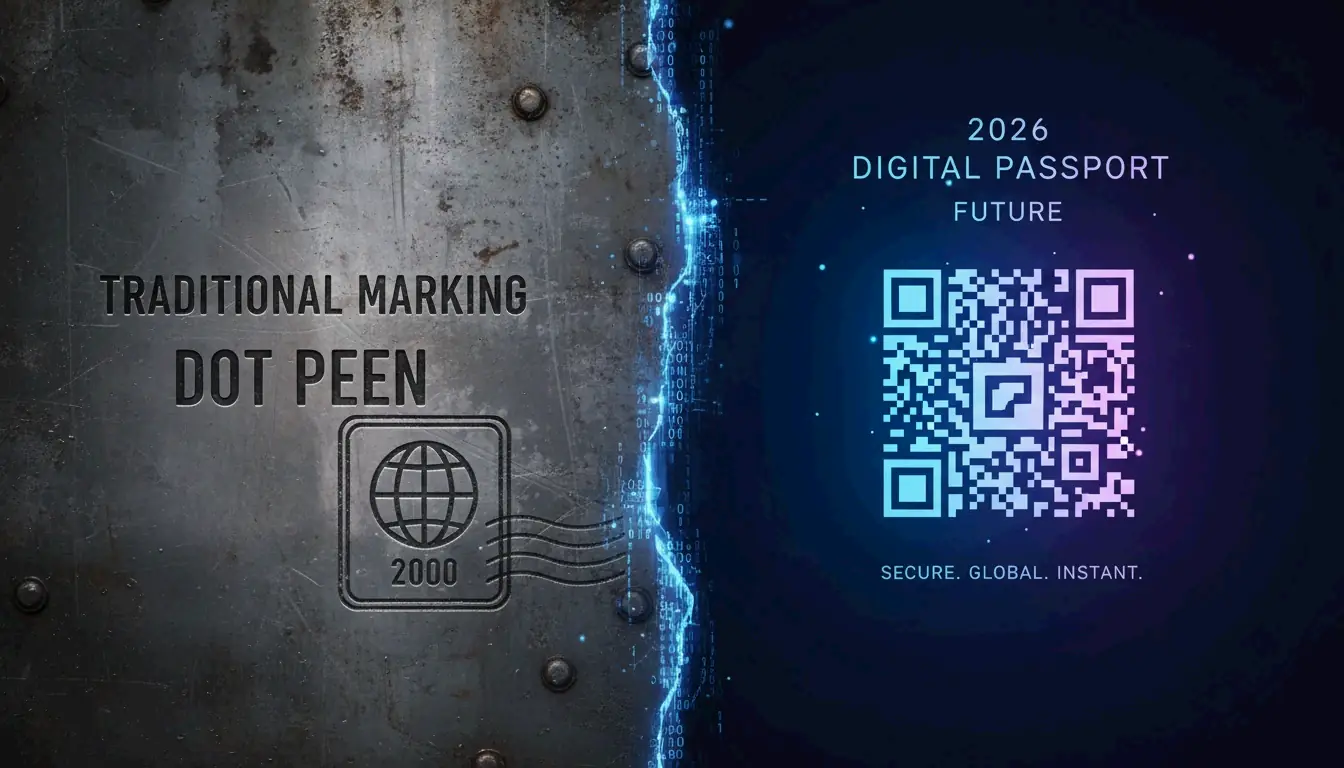
| Dot peen marking | Metal pin dents the code into metal | Chassis — survives painting and powder-coating (HeatSign) |
| Laser engraving | Etches the code onto the surface | Dashboard plates, engine parts — clean, high-contrast finish |
The EU Digital Product Passport (2026)
As of July 19, 2026, the EU Digital Product Passport (DPP) is reshaping global standards. Under Regulation (EU) 2024/1781, automotive parts sold in the EU must carry a scannable QR or Data Matrix code linking to digital product data. The industry is moving toward a “Digital Passport” for every vehicle.
Paper Labels vs. Metal Marking
| Feature | Paper/Vinyl Labels | Metal Dot Peen/Engraving |
|---|---|---|
| Durability | Low — can peel or fade | Permanent — forged into metal |
| Location | Doorjambs, windows | Chassis, engine block, frame |
| Use case | Consumer info, tire specs | Anti-theft, legal identification |
| 2026 trend | Moving toward QR/DPP | Standard for heavy industrial use |
For developers, creating random VINs for testing is legal and common. Tools like the Random VIN Generator produce ISO 3779-compliant strings without using real vehicle data.
Conclusion
From the moment a VIN is generated under ISO rules to the day it’s scanned by a mechanic or dealership, it’s the single most important piece of data attached to a vehicle. In 2026:
- Personal use — A good OCR scanner app with 99.8% accuracy is your best tool
- Business use — Ensure your tools comply with the 2024 NHTSA rulings and 2026 EU Digital Product Passport standards
- Generation — Follow ISO 3779 strictly (no I/O/Q, validate check digits), choose Code 39 for official use or Code 128 for compact labels
FAQ
Where is the VIN barcode on a motorcycle or trailer?
Motorcycles: Steering head tube or frame near the engine mount. Trailers: Tongue (front hitch area) or front-left frame rail. If the sticker is missing, look for a physical stamp on the metal chassis.
Why are the letters I, O, and Q never used in a VIN?
They’re excluded by ISO 3779 to prevent confusion with the numbers 1 and 0. Removing these visually similar characters significantly improves accuracy during both manual entry and automated OCR scanning.
Can I scan a damaged VIN barcode with a smartphone?
Yes — 2026 AI-enhanced OCR apps can reconstruct partial patterns. Ensure good lighting without glare, and try high-contrast filters. If the barcode is unreadable, most apps can use OCR on the alphanumeric characters printed next to the code.
Frequently Asked Questions
Where is the VIN barcode on a motorcycle or trailer?
Motorcycles: Steering head tube or frame near the engine mount. Trailers: Tongue (front hitch area) or front-left frame rail. If the sticker is missing, look for a physical stamp on the metal chassis.
Why are the letters I, O, and Q never used in a VIN?
They’re excluded by ISO 3779 to prevent confusion with the numbers 1 and 0. Removing these visually similar characters significantly improves accuracy during both manual entry and automated OCR scanning.
Can I scan a damaged VIN barcode with a smartphone?
Yes — 2026 AI-enhanced OCR apps can reconstruct partial patterns. Ensure good lighting without glare, and try high-contrast filters. If the barcode is unreadable, most apps can use OCR on the alphanumeric characters printed next to the code.
Related Posts

Random Phone Number Generator: Testing, SMS Verification & DevOps Integration

SME Inventory Management: Build a Low-Cost Fixed Asset Barcode System in 2026
How Truly Random Numbers Are Generated: TRNG, PRNG, and CSPRNG Explained