Xbox Gamertag Character Limit in 2026: Rules, Costs, and the 12-Character Rule
Quick Summary
- Your Xbox gamertag is your identity across the entire X
- Your Xbox gamertag is your identity across the entire Xbox Network — the name that shows up in multiplayer lobbies, friend lists, and achievement feeds.
- Understanding the 12-Character Limit in 2026
Editorial Process
Reviewed by SectoJoy and published on April 18, 2026. This article is refreshed when product details, examples, or tool guidance change. Last updated May 15, 2026.
SectoJoy
I'm an indie hacker building iOS and web applications, with a focus on creating practical SaaS products. I specialize in AI SEO, constantly exploring how intelligent technologies can drive sustainable growth and efficiency.
Your Xbox gamertag is your identity across the entire Xbox Network — the name that shows up in multiplayer lobbies, friend lists, and achievement feeds. But if you’re thinking about changing yours in 2026, there’s a hard rule you need to know: all new gamertags are capped at 12 characters, including spaces.
Legacy “Classic Gamertags” from the Xbox 360 era can still be up to 15 characters long — but only if they’ve never been changed since the modern system took over. Once you modify your name, there’s no going back to the old length.
This guide covers everything: the current character limit, how the suffix system works, what it costs to change, and tips for finding a short, clean name.
Understanding the 12-Character Limit in 2026
Every new Xbox gamertag — whether you’re creating a fresh account or renaming an existing one — must fit within 12 characters. According to CodeItBro, this standard replaced the old 15-character cap from the Xbox 360 era to create a more consistent, globally unified naming system.
The limit applies across the entire ecosystem:
– Xbox Series X|S consoles
– Xbox One consoles
– Xbox App on PC
– Xbox mobile apps (iOS and Android)
With over 120 million active users on the network as of early 2023 (Wikipedia), finding a truly unique name has become harder over the years. To address this, Xbox now supports non-Latin scripts and alphabets — but even those must still fit within the 12-character display window.
The Suffix System: How Duplicate Names Work
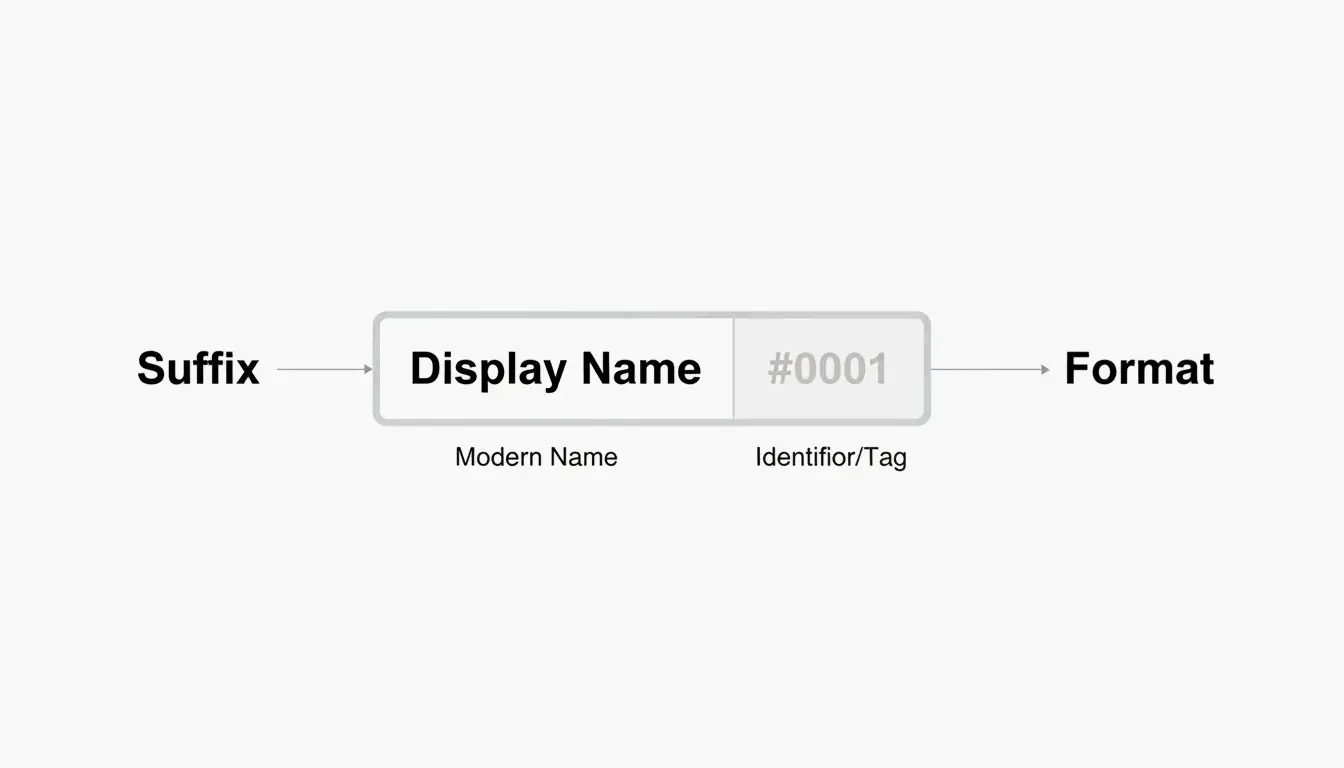
Here’s where things get interesting. If the name you want is already taken, you can still claim it — Xbox appends a hashtag suffix (like #1234) to differentiate you from the person who had it first.
A few things worth knowing about suffixes:
– They’re assigned automatically — you don’t pick the numbers.
– They don’t count toward your 12-character limit.
– They appear in a smaller font in most game UIs, so your core name still looks clean.
– Friends can find you by searching just your base name.
So a full-length name like “ShadowWalker” would display as “ShadowWalker#9999” — but only the “ShadowWalker” part needs to fit within 12 characters.
The “Point of No Return”: Classic vs. Modern Gamertags
This is the most important thing to understand before changing your name in 2026.
If your current gamertag was created before the 2019 update and is longer than 12 characters, changing it means you permanently lose that extra length. Think of it as a one-way door.
According to Microsoft Q&A, there is no technical way to revert to a classic-length tag once you’ve made the switch. The current infrastructure simply doesn’t support creating tags longer than 12 characters — not even for legacy users.
A Real Example from 2026
In April 2026, a user named Armonster attempted to restore their 13-character legacy tag after a name change. The system blocked the request entirely. Even though the name had been theirs originally, the modern system couldn’t process a tag longer than 12 characters.
Bottom line: If you’re sitting on a classic 13–15 character gamertag that you like, think carefully before changing it.
How to Change Your Xbox Gamertag (Step-by-Step)
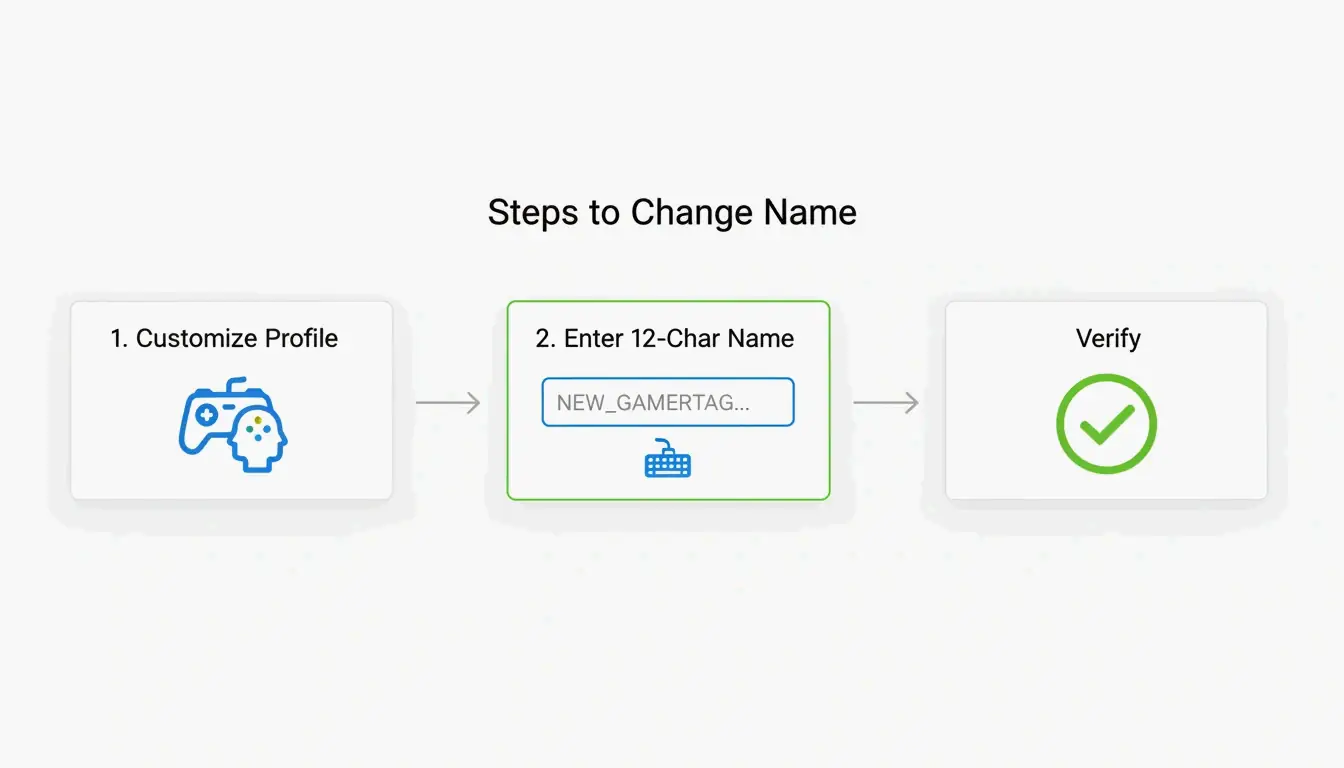
Whether you’re on a console or your phone, the process is straightforward. The system checks name availability in real time as you type.
On Console (Xbox Series X|S)
- Press the Xbox button on your controller.
- Navigate to Profile & System.
- Select your profile, then choose Customize Profile.
- Click your current gamertag.
- Type your new name (up to 12 characters).
- Confirm the change.
On the Xbox Mobile App
- Open the Xbox App.
- Tap your profile picture.
- Go to Settings → Edit Gamertag.
- Enter your new name and confirm.
Verification
According to Theportablegamer, you’ll see a green checkmark if the name is available, or a red X if it’s taken. If it’s taken, the system will automatically offer you a suffix version.
Troubleshooting: Verification Loops
Some players in 2026 have reported getting stuck in “verification loops” — the app keeps asking them to sign in repeatedly without completing the name change. If this happens:
- Clear the app cache (Settings → Apps → Xbox → Clear Cache).
- Try the change through a web browser at account.xbox.com instead.
- Check your Enforcement Status — if you have an active ban or strike, name changes are blocked until the penalty expires.
How Much Does It Cost to Change Your Gamertag?
Microsoft uses a simple pricing model:
| Change | Cost |
|---|---|
| First change (new accounts) | Free |
| Every subsequent change | $9.99 USD or 800 Microsoft Points |
| Cooldown between changes | 30 days |
The fee exists to discourage abuse — without it, people could constantly rename themselves to evade moderation or confuse other players. As Theportablegamer notes, this price has remained unchanged for years.
The Rare Name Hunt: Finding a 4-Letter Gamertag
Short gamertags — especially 4-letter ones — are the holy grail. They look clean, never need a suffix, and are easy to remember.
The reality: most 4-letter English words were claimed years ago. But you can still find options if you’re persistent:
- Alphanumeric combos — Mix letters and numbers (e.g., “K7VR”, “N3XT”).
- Non-dictionary words — Unique letter combinations that are pronounceable but not real words.
- Generator tools — The CodeItBro Gamertag Generator has a “Hunt 4-Letter Tags” mode that checks availability for short handles.
If your dream 4-letter name is taken, the suffix system is a solid fallback. Since suffixes render in a smaller font in most game menus, a name like “Raven#3847” still looks relatively clean on-screen.
Conclusion
The 12-character limit is the firm standard for the Xbox Network in 2026. The suffix system makes it possible to share a display name with others, but the length cap itself is non-negotiable for any new or changed gamertag.
Before making a change:
– Count your characters carefully — 12 is the max, spaces included.
– Protect your classic tag — If you have a legacy 15-character name you like, think twice before changing it. You can’t go back.
– Budget for the fee — Your first change is free, but every one after that costs $9.99 with a 30-day cooldown.
FAQ
Can I change my 12-character modern tag back to a 15-character classic tag?
No. Once you move to the modern system, the 15-character legacy option is permanently lost. There is no tool, setting, or support path that can revert your tag to the old length.
Why do some players still have 15-character names in 2026?
Those are “Classic Gamertags” created before the 2019 system update. As long as those players never change their name, they keep the old length. But the moment they modify it — even to fix a typo — they’ll be moved to the 12-character system.
What special characters are allowed in Xbox gamertags?
Spaces are allowed and count as one of your 12 characters. Numbers are fine too. Most special symbols (!, @, #, %, etc.) are blocked to maintain compatibility across all Xbox games. The # symbol is reserved exclusively for the system-generated suffix and can’t be used in the name itself.
Frequently Asked Questions
How Much Does It Cost to Change Your Gamertag?
Microsoft uses a simple pricing model: Change Cost First change (new accounts) Free Every subsequent change $9.99 USD or 800 Microsoft Points Cooldown between changes 30 days
Can I change my 12-character modern tag back to a 15-character classic tag?
No. Once you move to the modern system, the 15-character legacy option is permanently lost. There is no tool, setting, or support path that can revert your tag to the old length.
Why do some players still have 15-character names in 2026?
Those are “Classic Gamertags” created before the 2019 system update. As long as those players never change their name, they keep the old length. But the moment they modify it — even to fix a typo — they’ll be moved to the 12-character system.
What special characters are allowed in Xbox gamertags?
Spaces are allowed and count as one of your 12 characters. Numbers are fine too. Most special symbols (!, @, #, %, etc.) are blocked to maintain compatibility across all Xbox games. The # symbol is reserved exclusively for the system-generated suffix and can’t be used in the name itself.
Related Posts
Font Generator: The Complete Map of Styled Text in 2026
Aesthetic Font Generator: The Ultimate Guide to Stylish Unicode Text

Calligraphy Font Generator: Free Online Tool for Elegant Text Styles